"
...
-
-------
~-
- -
~~-----~
The exposure mode dial of the Nikon N65/N65QD can be divided into
two
sections. One
is
the user-controlled exposure mode with Auto-Multi
Program, Shutter-Priority Auto, Aperture-Priority Auto or Manual exposure
modes, where the photographer can determine various exposure factors.
The other section is point-and-shoot exposure mode
in
which the camera
automatically controls various exposure settings .
. . . . . . . . . . . . . . . . . . . . . . . . . . . . . . . . . . . . . . . . . . . . . . .
..
. . . .
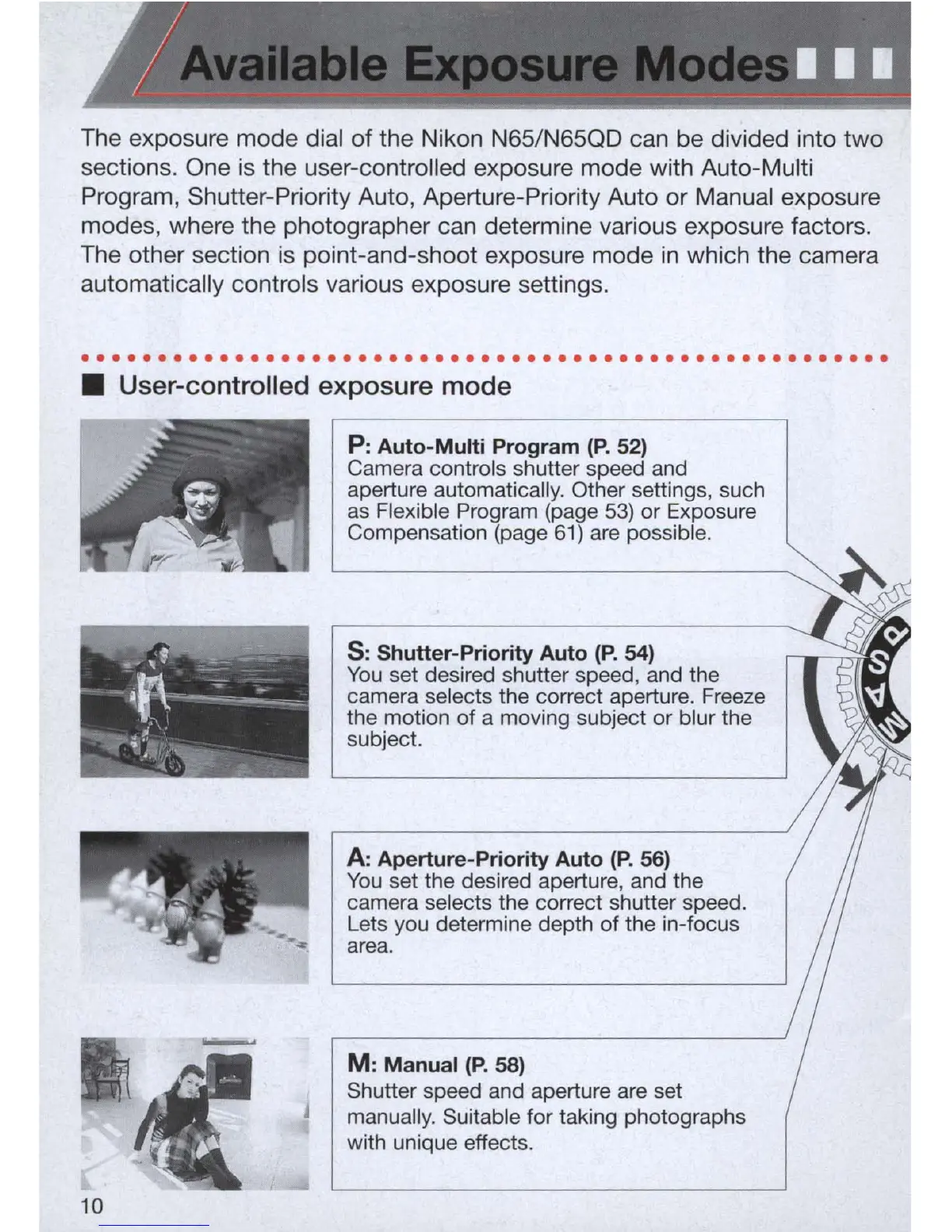
• User-controlled exposure mode
P:
Auto-Multi Program
(P.
52)
Camera controls shutter speed and
aperture automatically. Other settings, such
as
Flexible Program (page
53)
or Exposure
Compensation (page
61)
are possible.
s:
Shutter-Priority Auto
(P.
54)
You
set desired shutter speed, and the
camera selects the correct aperture. Freeze
the motion
of
a moving subject or blur the
subject.
A:
Aperture-Priority Auto
(P.
56)
You
set the desired aperture, and the
camera selects the correct shutter speed.
Lets you determine depth of the in-focus
area.
M:
Manual
(P.
58)
Shutter speed and aperture are set
manually. Suitable for taking photographs
with unique effects.



 To Next Page