••••••••••••••••••••••
f®~
u:
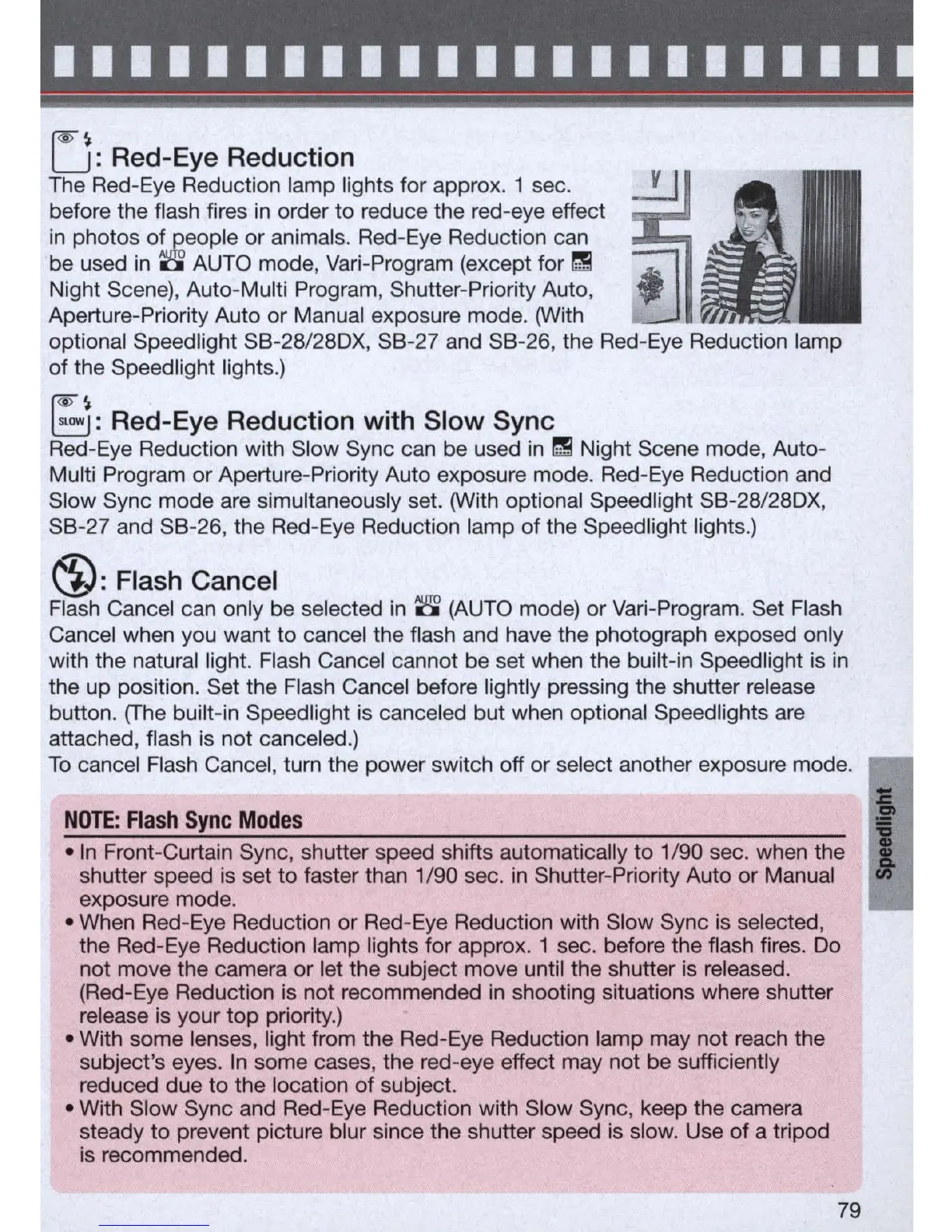
Red-Eye Reduction
The Red-Eye Reduction lamp lights for approx. 1 sec.
before the flash fires
in
order to reduce the red-eye effect
in
photos
ofJ~eople
or animals. Red-Eye Reduction can
be used
in
~
AUTO mode,
Vari
-Program (except for
~
Night Scene), Auto-Multi Program, Shutter-Priority Auto,
Aperture-Priority Auto or Manual exposure mode. (With
optional Speedlight SB-28/280X,
SB
-
27
and SB-
26
, the
Red
-
Eye
Reduction lamp
of the Speed light lights.)
(@~
~:
Red-Eye Reduction with Slow Sync
Red-Eye Reduction with Slow Sync can be used
in
~
Night Scene mode, Auto-
Multi Program
or
Aperture-Priority Auto exposure mode.
Red
-
Eye
Reduction and
Slow Sync mode are simultaneously set. (With optional Speed light SB-28/280X,
SB-27 and SB-26, the
Red
-
Eye
Reduction lamp of the Speedlight lights.)
®:
Flash Cancel
Flash Cancel can only be selected
in
8
(AUTO
mode) or
Vari
-Program. Set Flash
Cancel when you want to cancel the flash and have the photograph exposed only
with the natural light. Flash Cancel cannot be set when the built-in Speedlight
is
in
the up position. Set the Flash Cancel before lightly pressing the shutter release
button.
(The
built-
in
Speedlight
is
canceled but when optional Speedlights are
attached, flash
is
not canceled.)
To
cancel Flash Cancel, turn the power switch off or select another exposure mode.
NOTE:
Flash
Sync
Modes
-In
Front-Curtain Sync, shutter speed shifts automatically to 1/90 sec. when the
shutter speed
is
set
to
faster than 1/90 sec.
in
Shutter-Priority Auto or Manual
exposure mode.
- When
Red
-Eye Reduction or Red-Eye Reduction with Slow Sync
is
selected,
the
Red
-
Eye
Reduction lamp lights for approx. 1 sec. before the flash fires.
Do
not move the camera or let the subject move until the shutter
is
released.
(Red-Eye Reduction
is
not recommended in shooting situations where shutter
release
is
your
top
priority.)
- With some lenses, light from the Red-Eye Reduction lamp may not reach the
subject's eyes.
In
some cases, the red-eye effect may not be sufficiently
reduced due to the location
of
subject.
- With Slow Sync and Red-Eye Reduction with Slow Sync, keep the camera
steady to prevent picture blur since the shutter speed
is
slow. Use of a tripod
is
recommended.
79
I



 To Next Page