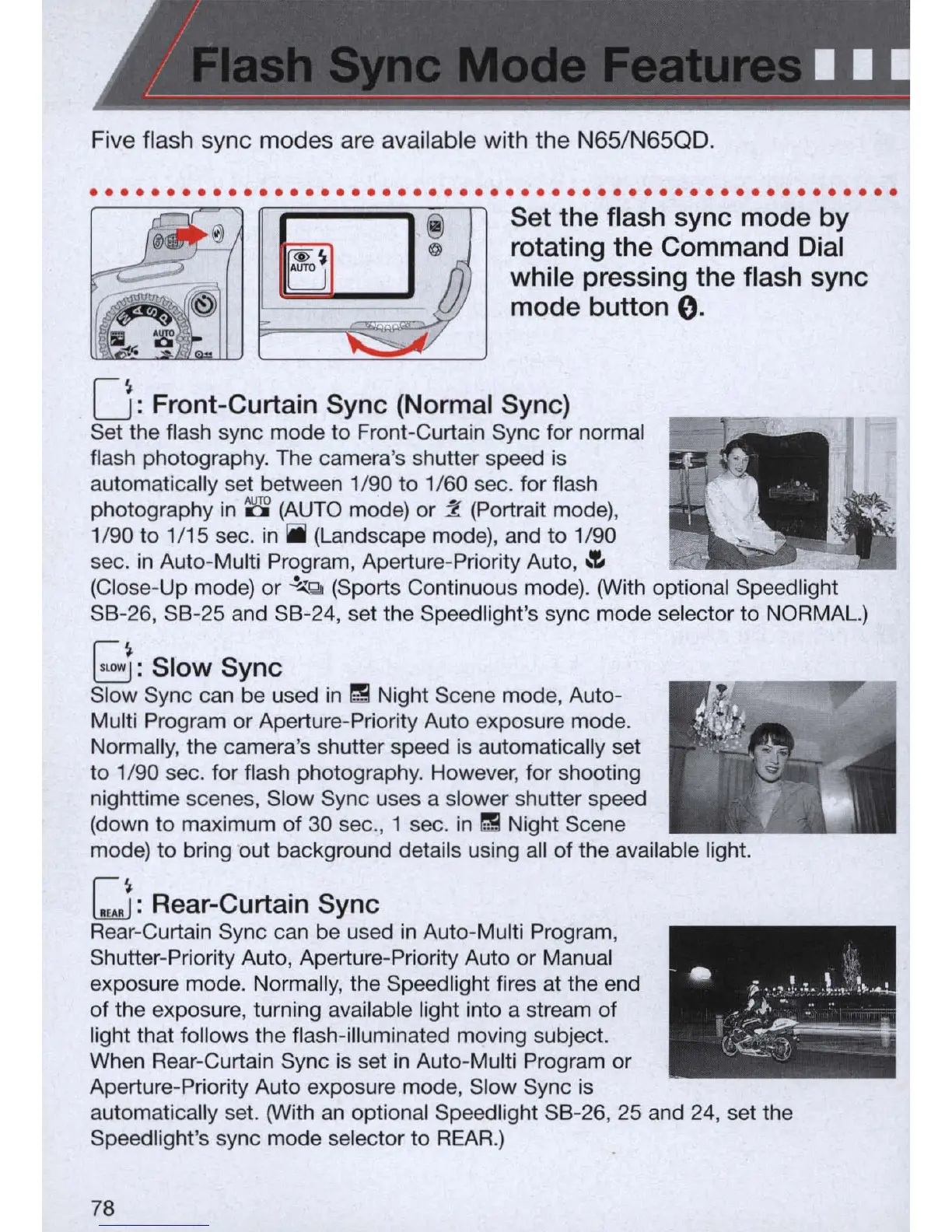
Five flash sync modes are available with the N65/N65QD .
. . .
..
. . . . . . . . . . . .
..
. . . . . . . . . . . . . . . . . . . . . . . . . . . . . . . . . .
Set the flash sync mode by
rotating the Command Dial
while pressing the flash sync
mode button
0.
O
.
: Front-Curtain Sync (Normal Sync)
Set the flash sync mode to Front-Curtain Sync for normal
flash photography. The camera's shutter speed
is
automatically set between 1/90 to 1/60 sec. for flash
photography in
8 (AUTO mode) or ::l (Portrait mode),
1/90 to 1/15 sec.
in
iii
(Landscape mode), and to 1/90
sec.
in
Auto-Multi Program, Aperture-Priority Auto,
~
(Close-Up mode) or
.!."':'
Q (Sports Continuous mode). (With optional Speedlight
S8
-
26,
S8
-
25
and S8-24, set the Speedlight's sync mode selector to NORMAL.)
I~
~:
Slow Sync
Slow Sync can be used
in
I!! Night Scene mode, Auto-
Multi Program or Aperture-Priority Auto exposure mode.
Normally, the camera's shutter speed
is
automatically set
to 1/90 sec. for flash photography. However, for shooting
nighttime scenes, Slow Sync uses a slower shutter speed
(down to maximum of 30 sec., 1 sec.
in
I!! Night Scene
mode) to bring out background details using all of the available light.
I~
.
~:
Rear-Curtam Sync
Rear-Curtain Sync can be used
in
Auto-Multi Program,
Shutter-Priority Auto, Aperture-Priority Auto or Manual
exposure mode. Normally, the Speedlight fires at the end
of the exposure, turning available light into a stream of
light that follows the flash-illuminated moving subject.
When Rear-Curtain Sync
is
set
in
Auto-Multi Program or
Aperture-Priority Auto exposure mode, Slow Sync
is
automatically set. (With
an
optional Speed light S8-26, 25 and
24
, set the
Speed light's sync mode selector to
REAR.)
78



 To Next Page