~
........
.
-----~----------------
-----
- - - - - -
Confirm
that.
(in-focus indicator) appears
in
the viewfinder, then slowly,
fully depress the shutter release button_ With a moving subject,
Continuous Servo
AF
(page
44)
activates and camera continuously
focuses on the
subject
..................
...................................
32
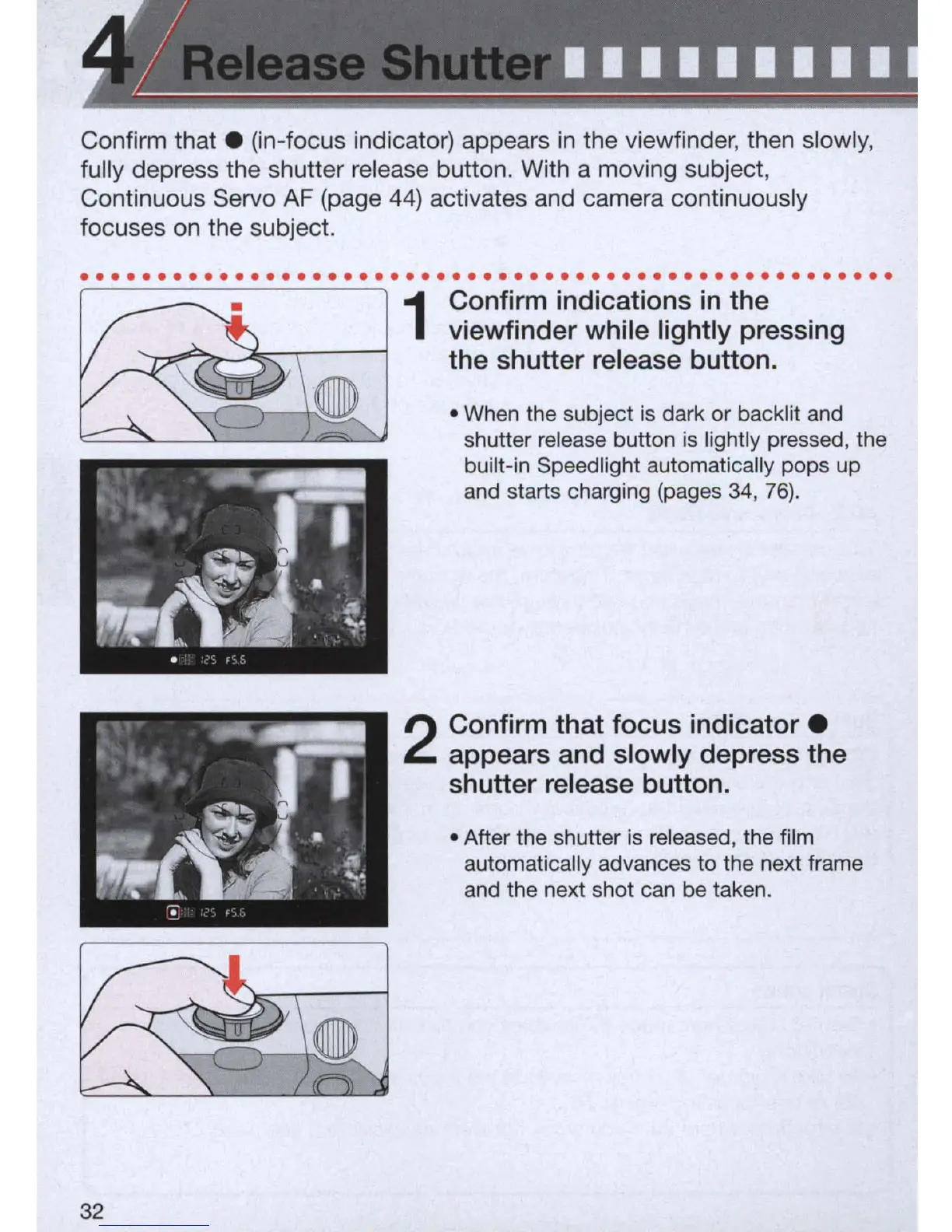
1
Confirm indications
in
the
viewfinder while lightly pressing
the shutter release button.
• When the subject is dark or backlit and
shutter release button is lightly pressed, the
built-in Speedlight automatically pops up
and starts charging (pages 34,
76)
_
2
Confirm that focus
indicator.
appears and slowly depress the
shutter release button.
• After the shutter is released, the film
automatically advances to the next frame
and the next shot can be
taken_



 To Next Page