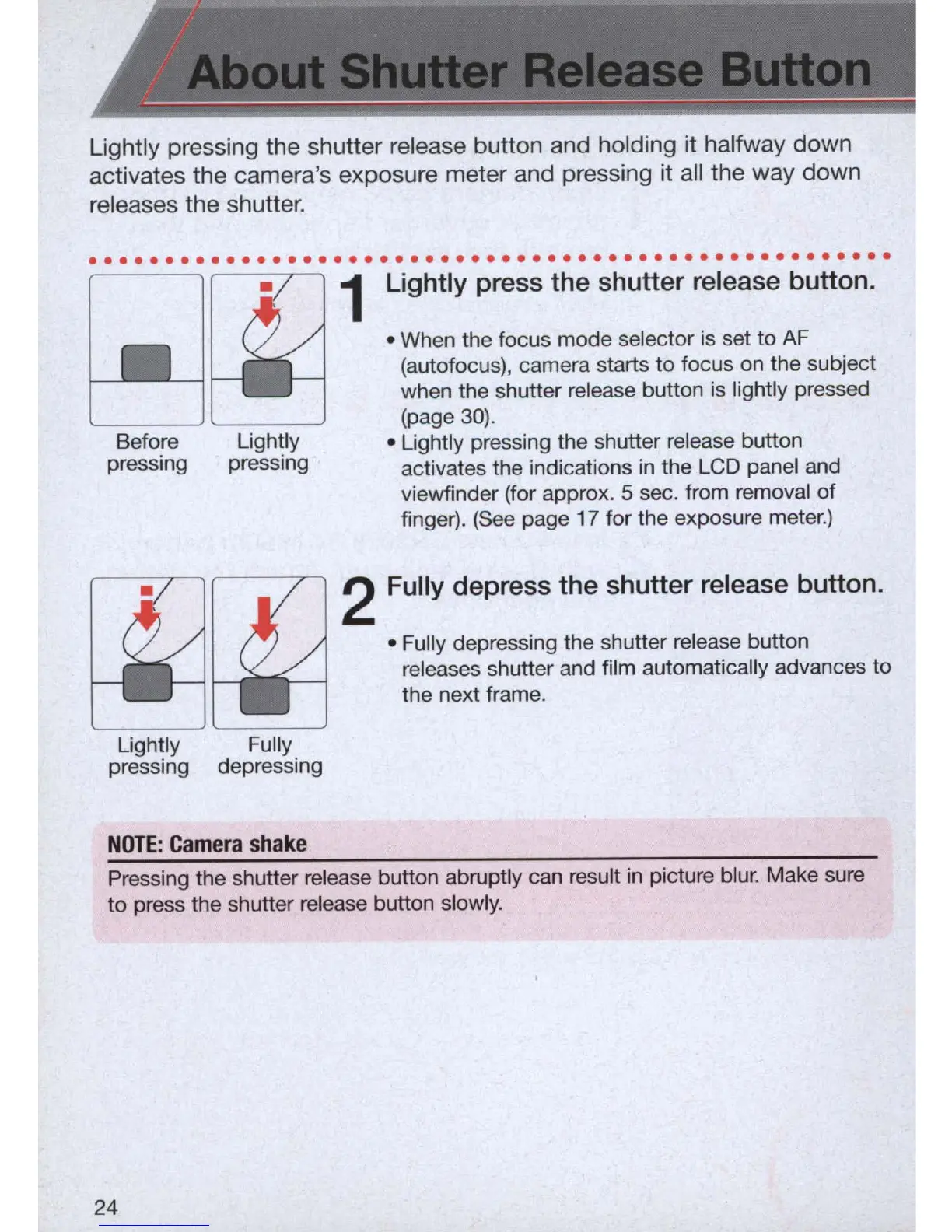
Lightly pressing the shutter release button and holding it halfway down
activates the camera's exposure meter and pressing it all the way down
releases the shutter .
. . . . . . . . . .
..
. . . . . . . . . . . . . . . . . . . . . . . . .
..
. . . . . . . . . . . . . .
Before
pressing
Lightly
pressing
Lightly
pressing
Fully
depressing
NOTE:
Camera
shake
Lightly press the shutter release button.
• When the focus mode selector is set to AF
(autofocus), camera starts to focus on the subject
when the shutter release button is lightly pressed
(page
30).
• Lightly pressing the shutter release button
activates the indications
in
the LCD panel and
viewfinder (for approx. 5 sec. from removal
of
finger). (See page 17 for the exposure meter.)
Fully depress the shutter release button.
• Fully depressing the shutter release button
releases shutter and film automatically advances to
the next frame.
Pressing the shutter release button abruptly can result
in
picture blur. Make sure
to press the shutter release button slowly.
24



 To Next Page