• ••••••••••••••••••••••
Flexible
Program
2
Compose picture, confirm focus
indicator.
and shoot.
• When the subject
is
too dark or too bright, one of
the following warning indications will appear
in
the
viewfinder and LCD panel.
• H
I:
Use
ND
filter.
·l
0:
Use Speedlight.
•
If
the subject
is
too dark or backlit, the flash
recommended indication
~
blinks
in
the viewfinder
when you lightly press the shutter release button.
Use the Speedlight (page 80/92).
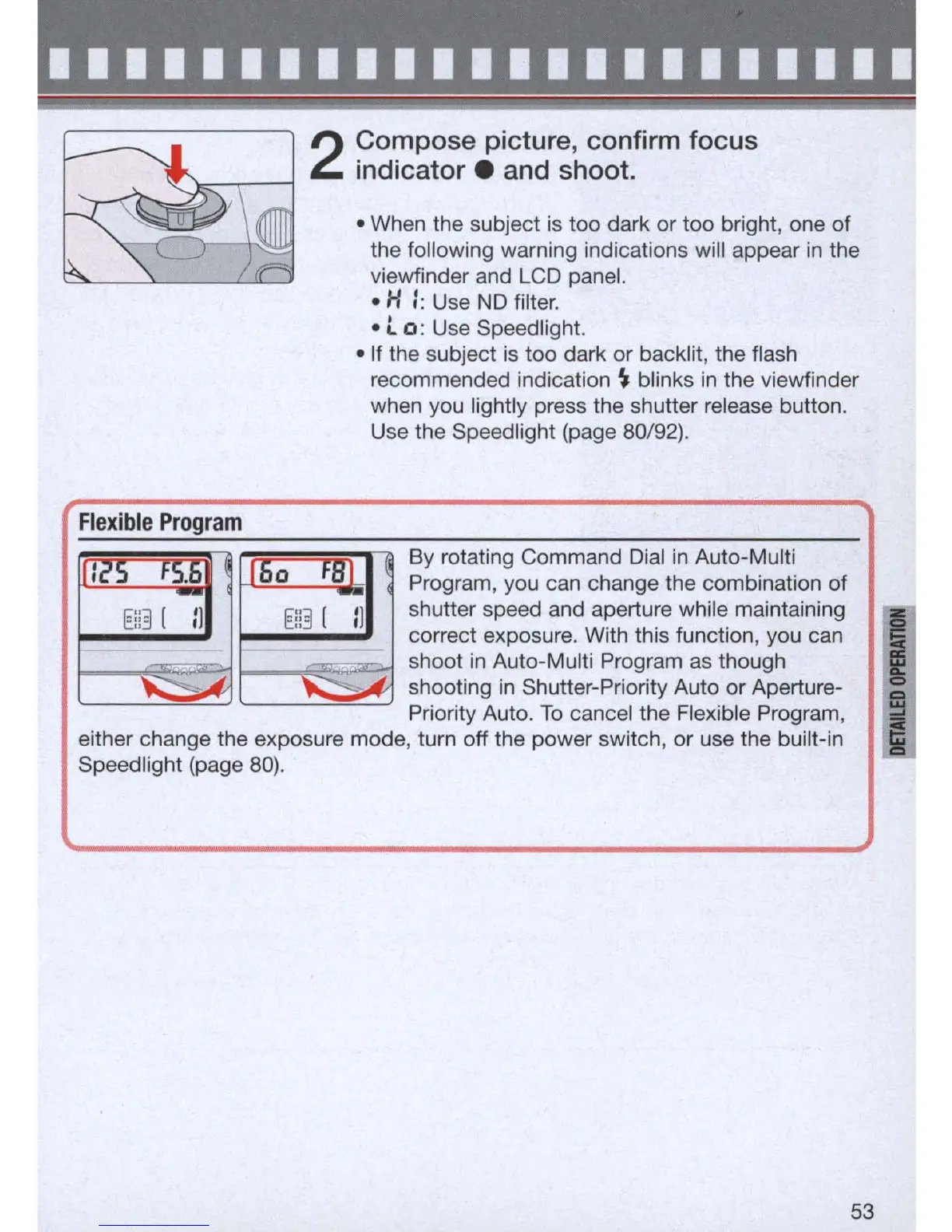
By rotating Command
Dial
in
Auto-Multi
Program, you can change the combination of
shutter speed and aperture while maintaining
correct exposure. With this function, you can
shoot
in
Auto-Multi Program
as
though
shooting
in
Shutter-Priority Auto or Aperture-
Priority Auto.
To
cancel the Flexible Program,
either change the exposure mode, turn off the power switch, or use the built-in
Speedlight (page
80)
.
53
I
i



 To Next Page