. .
I I I I I I I I I I I I I I I I 1'1 I I I I I
~
...:!...:
Portrait mode
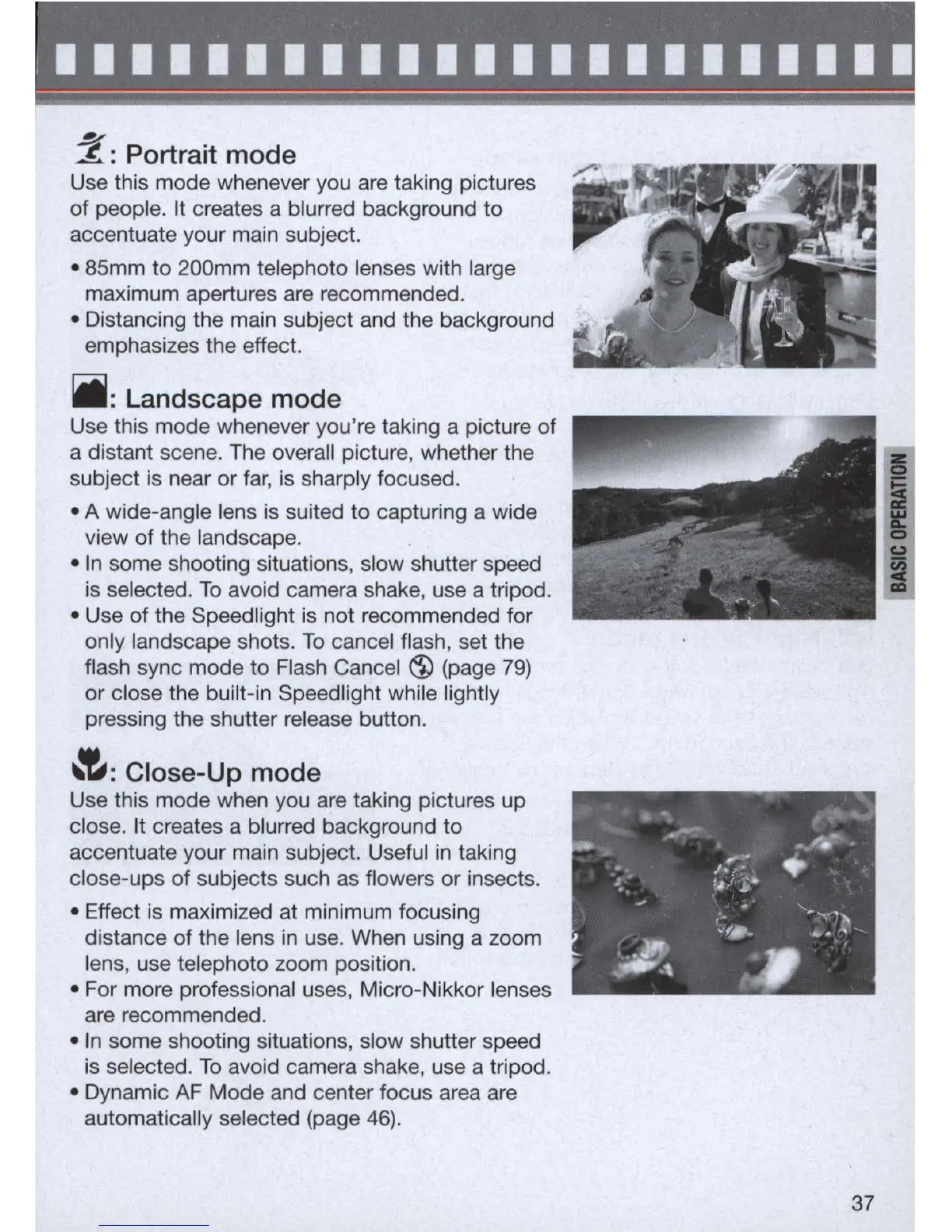
Use this mode whenever you are taking pictures
of people. It creates a blurred background to
accentuate your main subject.
• 85mm to 200mm telephoto lenses with large
maximum apertures are recommended.
• Distancing the main subject and the background
emphasizes the effect.
iii
: Landscape mode
Use this mode whenever you'
re
taking a picture of
a distant scene. The overall picture, whether the
subject
is
near or far,
is
sharply focused.
• A wide-angle lens is suited to capturing a wide
view of the landscape.
•
In
some shooting situations, slow shutter speed
is selected.
To
avoid camera shake, use a tripod.
• Use of the Speedlight
is
not recommended for
only landscape shots.
To
cancel flash, set the
flash sync mode to Flash Cancel
~
(page
79)
or
close the built-
in
Speedlight while lightly
pressing the shutter release button.
~
:
Close-Up m
od
e
Use this mode when you are taking pictures up
close. It creates a blurred background to
accentuate your main subject. Useful
in
taking
close-ups of subjects such as flowers or insects.
• Effect
is
maximized at minimum focusing
distance of the lens
in
use. When using a zoom
lens, use telephoto zoom position,
• For more professional uses, Micro-Nikkor lenses
are recommended.
•
In
some shooting situations, slow shutter speed
is
selected.
To
avoid camera shake, use a tripod.
• Dynamic
AF
Mode and center focus area are
automatically selected (page
46)
.
37



 To Next Page