•••••••••••••••••••••••
----------------
----------
- - -
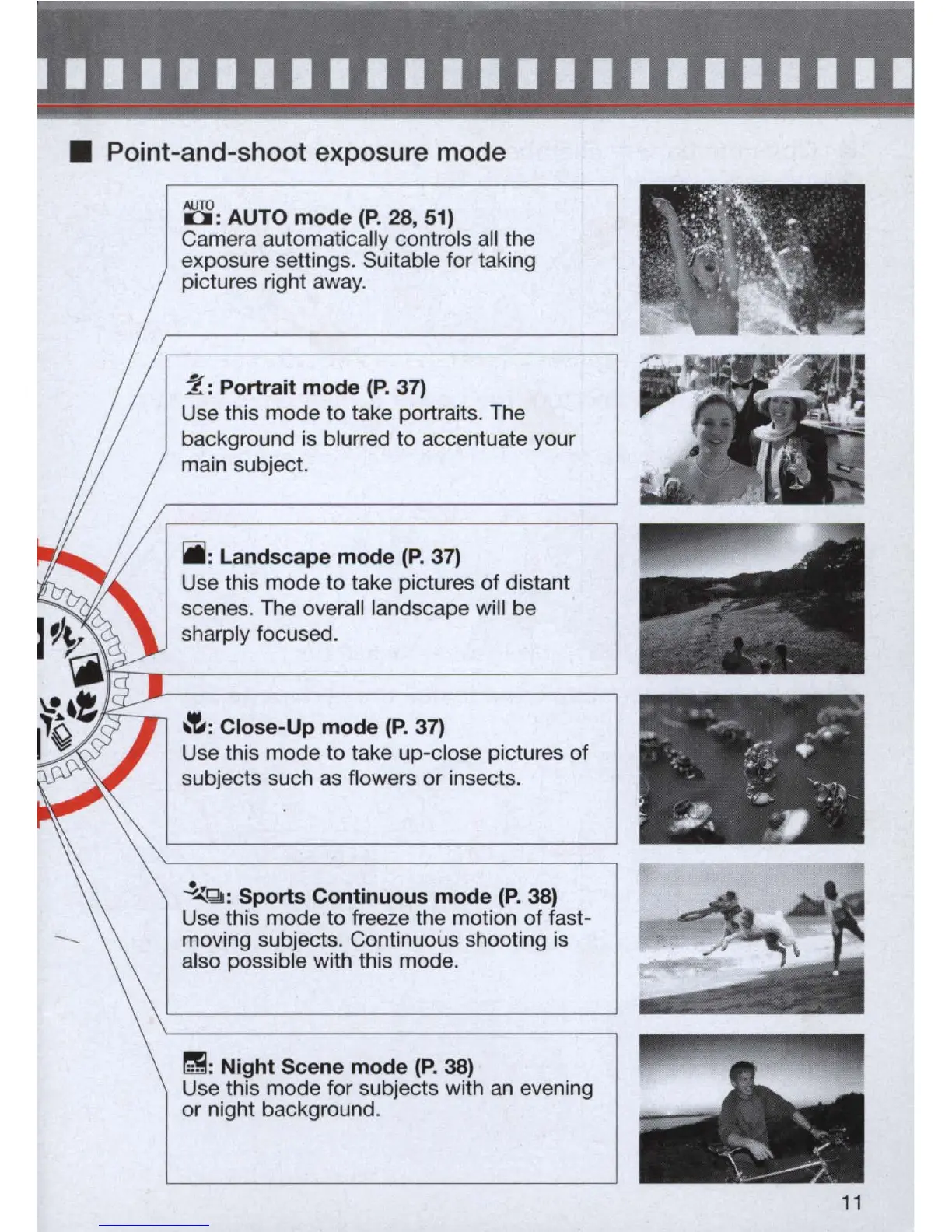
• Point-and-shoot exposure mode
8:
AUTO mode
(P.
28, 51)
Camera automatically controls
all
the
exposure settings. Suitable for taking
pictures right away.
2:
Portrait mode
(P.
37)
Use this mode to take portraits. The
background is blurred
to
accentuate your
main subject.
Iiii:
Landscape mode
(P.
37)
Use this mode to take pictures
of
distant
scenes. The overall landscape will be
sharply focused.
~:
Close-Up mode
(P.
37)
Use this mode to take up-close pictures
of
subjects such
as
flowers
or
insects.
~Qi:
Sports Continuous mode
(P.
38)
Use this mode to freeze the motion
of
fast-
moving subjects. Continuous shooting is
also possible with this mode.
r!!:
Night Scene mode
(P.
38)
Use this mode for subjects with
an
evening
or
night background.
. .
-
~
._'
.-
.
J.~:
.
'.
"
..,.
- .
"""'lIo
.;...
..
..
"
:I..
..,
11



 To Next Page