I
,~
1!>
t
-"",
••
'.1~0_:W;OV\""i~~
r-~"1;..,,r
~
·,"'-~-,r'*,":-r""-_'"O''''.~<:>C1r*¥~
__
_
•••••••••••••••••••••••
-~~~~~~~-
-
~
-
~
-~
- -
--
-
--
~
2
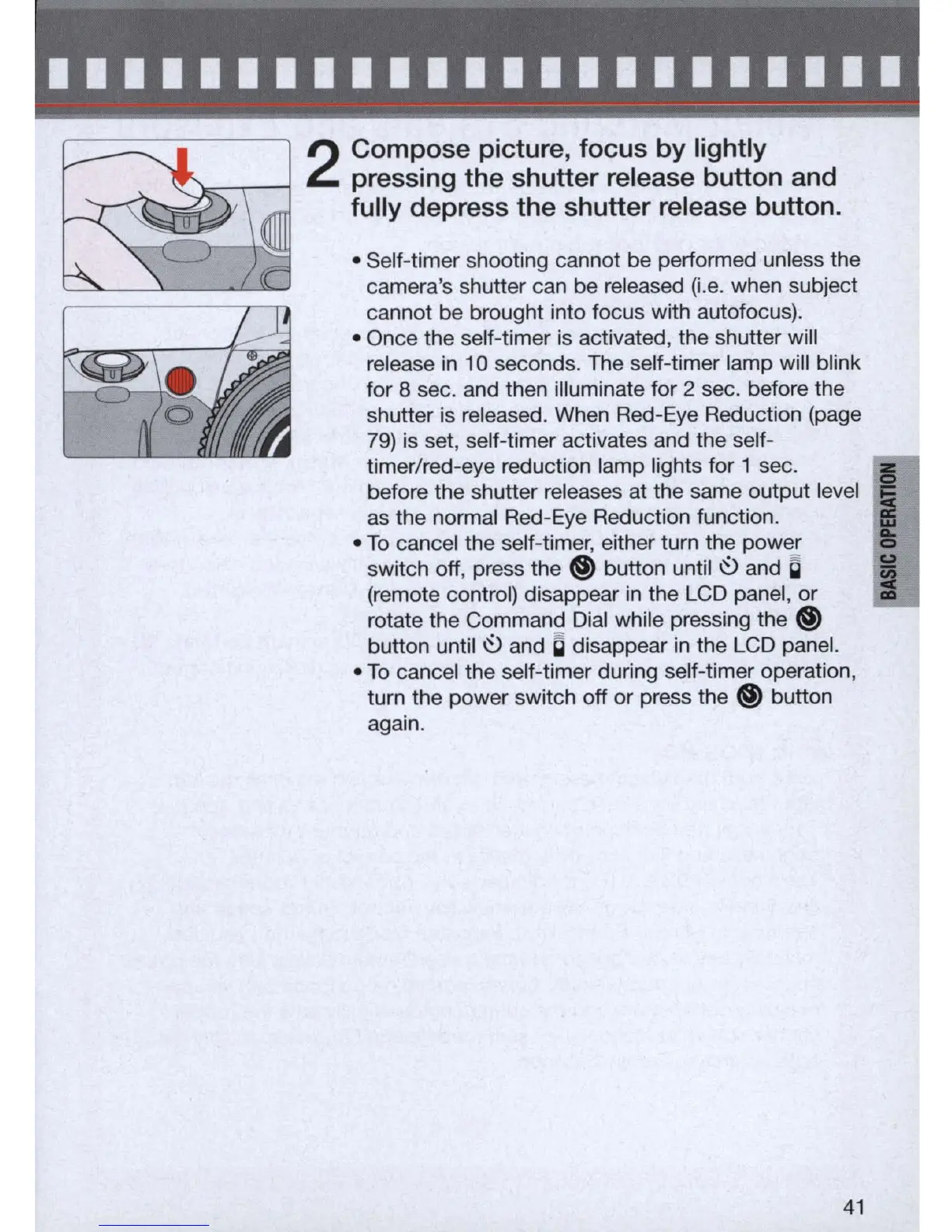
Compose picture, focus by lightly
pressing the shutter release button and
fully depress the shutter release button .
• Self
-t
imer shooting cannot be performed unless the
camera's shutter can be released (i.e. when subject
cannot be brought into focus with autofocus).
• Once the self-timer is activated, the shutter wi
ll
release
in
10 seconds. The self-timer lamp will blink
for
8 sec. and then illuminate for 2 sec. before the
shutter is released. When Red-
Eye
Reduction (page
79) is set, self-timer activates and the self-
timer/red-eye reduction lamp lights for 1 sec.
Ii
before the shutter releases at the same output level
Ii!!;
as the normal Red-Eye Reduction function.
•
To
cancel the self-timer, either turn the power
switch off, press the
@)
button until
~
and a i
(remote control) disappear
in
the LCD panel, or
:I
rotate the Command Dial while pressing the
@)
button until
~
and C disappear
in
the LCD panel.
•
To
cancel the self-timer during self-timer operation,
turn the power switch off or press the
@)
button
again.
41



 To Next Page