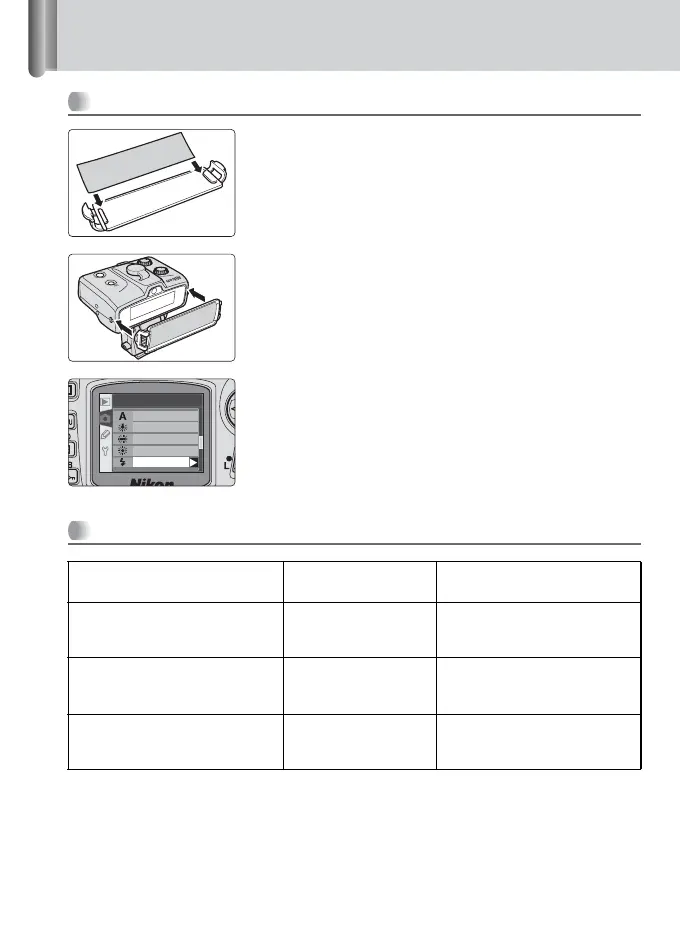
1 Flash shooting with colored gel filters
102
How to use colored gels filters
1
Insert the colored gel filter in the Color Filter
Holder SZ-1.
2
Attach the SZ-1 to the SB-R200.
3
Adjust the white balance setting on your digital
camera, then shoot.
• For details on test firing, refer to page 88.
Using colored gel filters
Purpose Gel filter Adjust the camera’s white
balance to:
Balances the color of light from
the flash to match that of
fluorescent light
FL-G1 Fluorescent
Balances the color of light from
the flash to match that of
incandescent or tungsten light
TN-A1 Incandescent
Creates interesting effects by
changing the light from the flash
to a different color
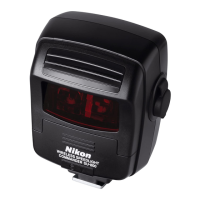
Colored gel filters Flash
O
N
/
O
F
F
W
IR
EL
E
S
S R
E
M
O
T
E
SPE
E
DL
IG
H
T
SB
-
R200
White bal.
Auto
Incandescent
Fluorescent
Dir. sunlight
Flash







 To Next Page