E21
Editing Images (Still Images)
Reference Section
i Filter Effects: Applying Digital Filter Effects
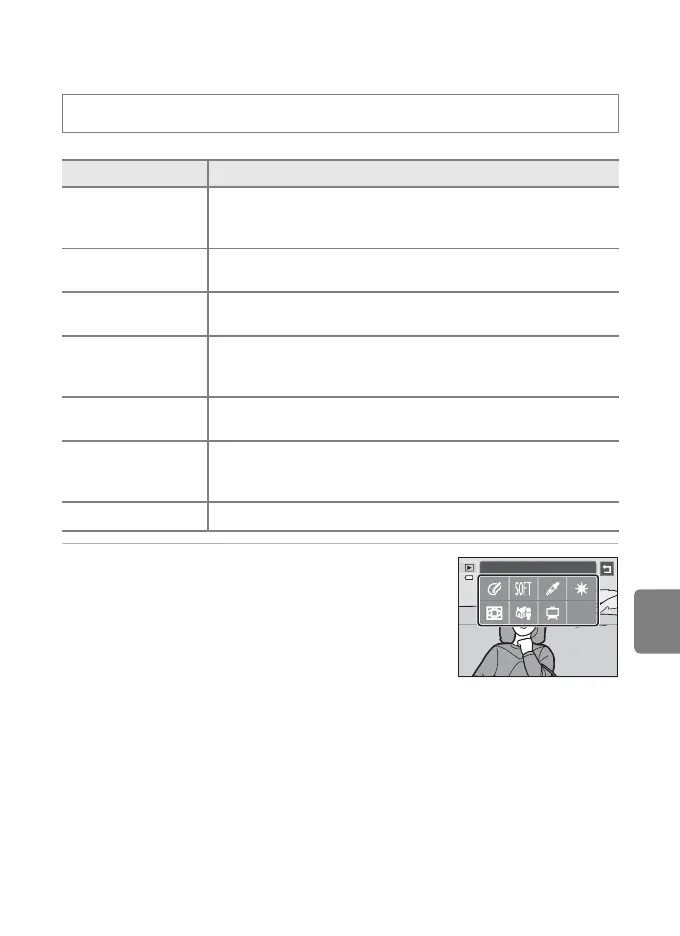
1 Tap the icon of the desired effect.
• While the menu options are displayed, you can switch
the image by dragging the image.
c button (playback mode) M Tap the d tab M Tap M Retouch M i Filter effects
Type Description
F Color options
Modify color tones using color effects. The available effects are
o (vivid color), p (black-and-white), q (sepia), and
r (cyanotype).
d Soft
Give the image a soft look by blurring the area surrounding the
point that is tapped.
I Selective color
Keep one specified color in the image, and change the other colors
to black and white.
J Cross screen
Produce star-like rays of light that radiate outward from bright
objects such as sunlight reflections and city lights. This effect is
suitable for night scenes.
K Fisheye
Make an image look as if it were taken with a fisheye lens. This
effect is well-suited for pictures taken in macro mode.
L Miniature effect
Make an image look like a miniature scene taken in macro mode.
This effect is well-suited for pictures taken from a high vantage
point with the main subject at the center of the image.
h Painting Give images a hand-painted appearance.
Filter effects














 To Next Page