E49
Reference Section
The Playback Menu
• See “Favorite Pictures Mode” (E5) for information about h Favorite
pictures.
• See “Step 6 Delete Unwanted Images” (A34) for information about c Delete.
• See “Editing Images (Still Images)” (E12) for information about U Paint and
M Retouch.
b Slide Show
Playback images stored in the internal memory or on a memory card one by one in
an automated “slide show.”
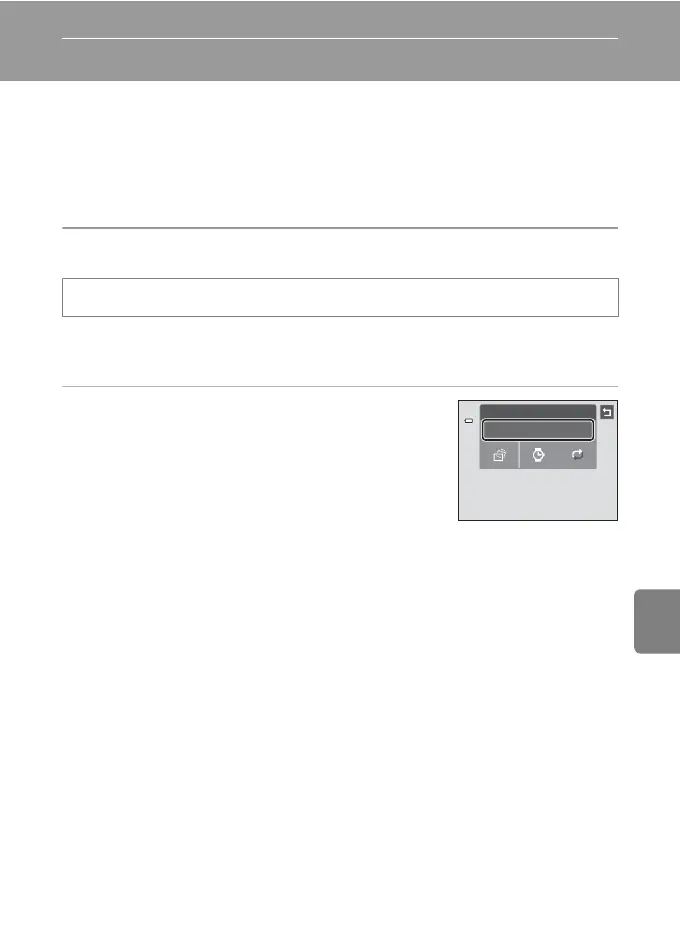
1 Tap Start.
• To change the effect, tap x Effects before tapping
Start, and select from Classic, Zoom, or Animated.
• To change the interval between images, tap y Frame
intvl and select the desired interval before tapping
Start.
• To repeat the slide show automatically, tap m Loop
before tapping Start.
• To exit without playing back images in a slide show, tap J.
c button (playback mode) M Tap the d tab M b Slide show
Slide show
Start














 To Next Page