Reference Section
E50
The Playback Menu
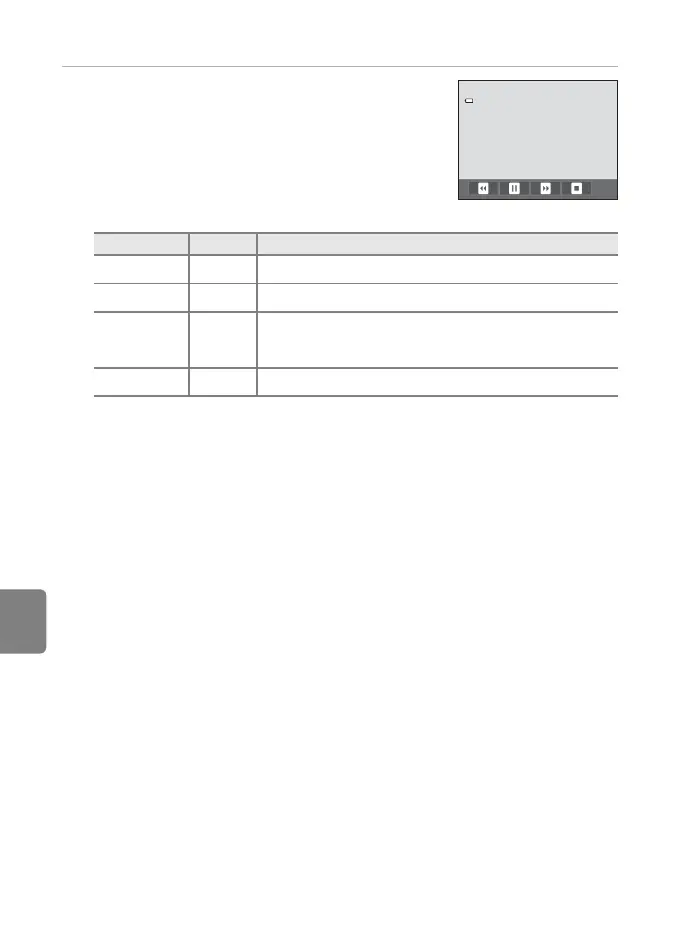
2 The slide show begins.
• Tap the monitor to display the operation panel at the
bottom of the screen.
Tap the icons in the operation panel to perform the
corresponding operation. The following operations are
available.
B Notes About Slide Show
• Only the first frame of movies included in slide show is displayed.
• Even when Loop is selected, the slide show will only be played for a maximum of 30 minutes
(E75).
To Tap Description
Rewind
O
Tap and hold O to rewind slide show.
Advance
P
Tap and hold P to advance slide show.
Pause
Q
Pause playback.
• To resume playback, tap R displayed at the center of
the screen.
End
S
End slide show.














 To Next Page