Reference Section
E54
The Playback Menu
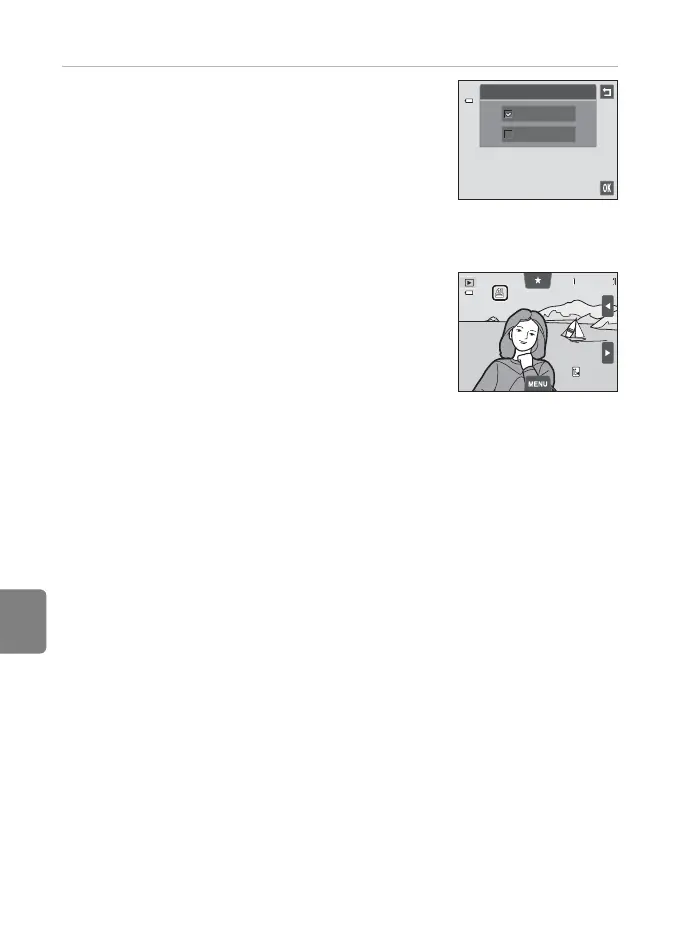
2 Choose whether or not to print shooting date
and photo information.
• Tap Date to place w in the checkbox to imprint the
shooting date on the image.
• Tap Info to place w in the checkbox to imprint the
photo information (shutter speed and aperture value)
on the image.
• Tap I to complete the print order.
Images selected for printing are recognized by the w
icon displayed with playback.
Print order
Date
Info
4 / 4
4 / 4
0004. JPG
0004. JPG
15/05/2012 15:30
15/05/2012 15:30














 To Next Page