Introduction to the X-ray system
30 XTM0011-F2 XT V 160 X-ray System
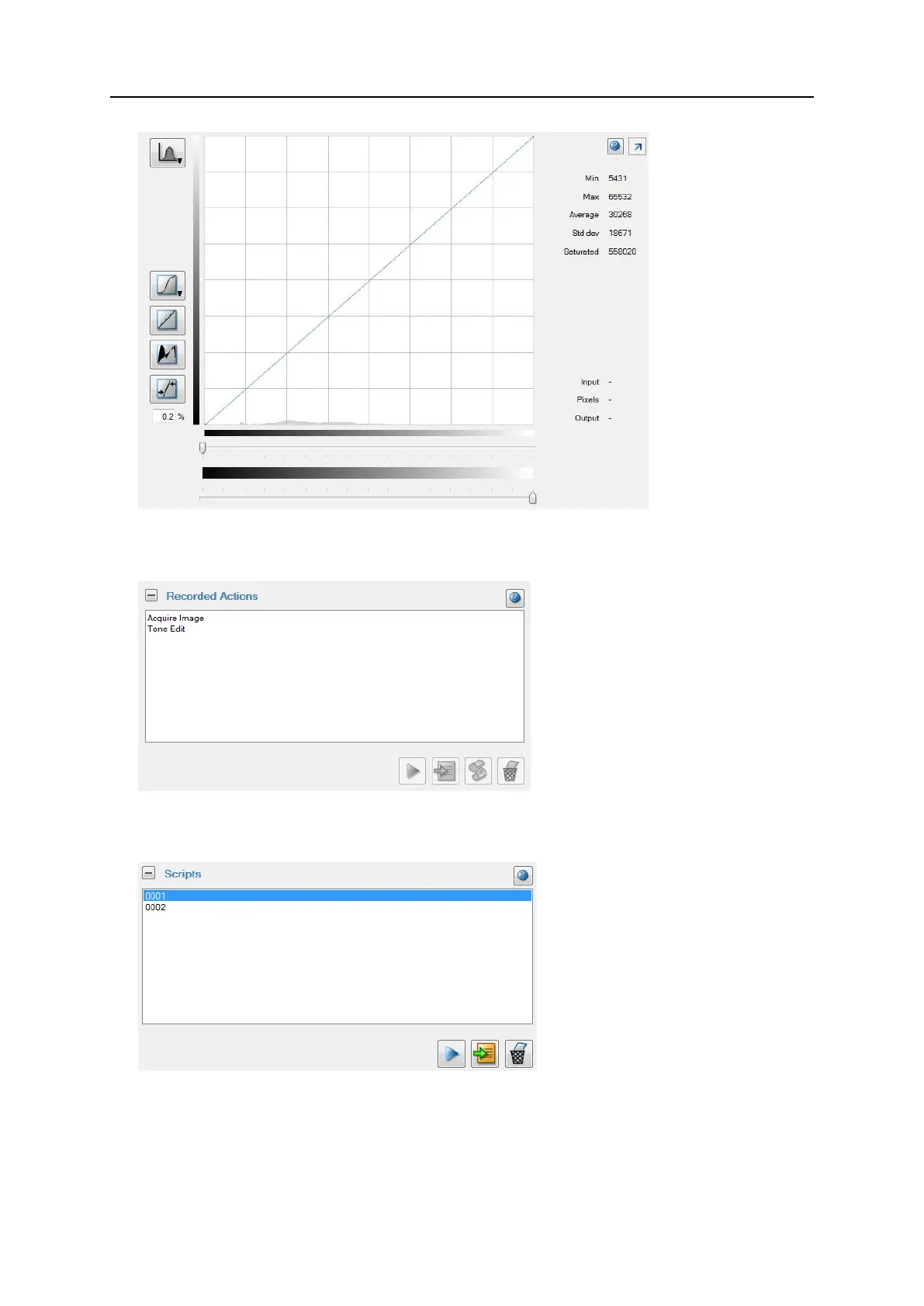
8. Recorded Actions
Shows a list of actions recorded during the acquisition, processing and analysis of an
image. Use these actions to create an inspection program.
9. Scripts
Shows a list of scripts (collections of actions) based on recorded actions. You can also
add scripts to an inspection program.
10. X-ray zone
The controls for switching X-rays on and off and stopping the manipulator in an
emergency are always located in the bottom right corner of the screen.


 To Next Page