XT V 160 X-ray System XTM0011-F2 55
When checking fluid levels, it is easier if you remove the access panel
on the right side of the system.
6.2.5 Filament change and alignment
When the system is optimised, filament life is approximately 200 hours, dependent on use
conditions. Filament failure is indicated when no image is produced by the system; the kV will
rise as normal but no µA or W will register.
It is recommended to keep logs of filament changes, vacuum levels and system usage. This
can be useful to schedule preventative maintenance and can, in some cases, be a diagnostic
indicator for some fault conditions.
The filament should only be changed by a trained operator.
To ensure that you do not transfer dirt and grease, always wear
powder-free gloves when changing the filament and handling the focus
cup assembly, anode and source/barrel.
Tools required
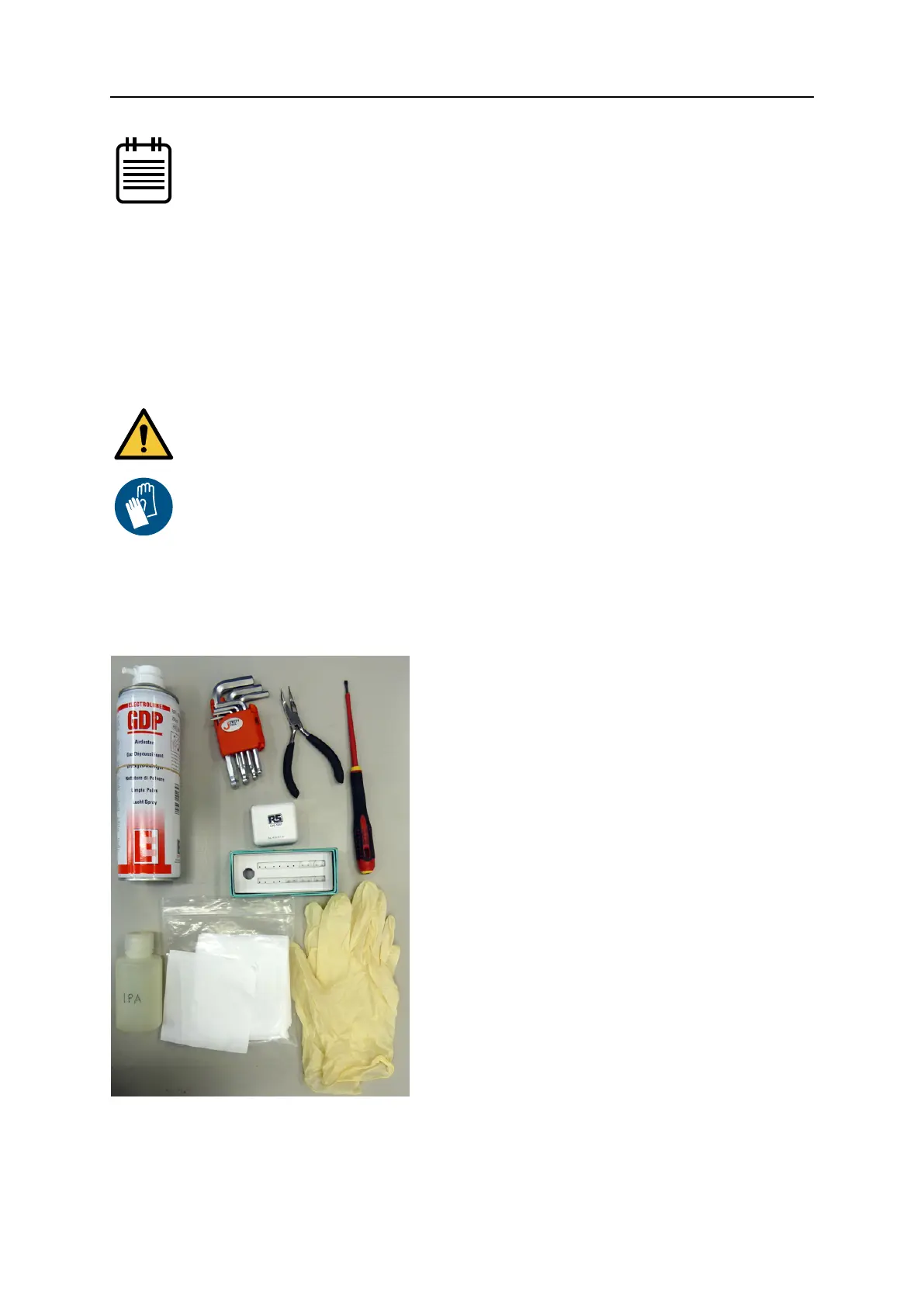
The following tools are required to change a filament:
Additionally, an air duster may be useful for removing dust from the source.
• 1 pair long nosed pliers (curved)
• Small flat-bladed screwdriver
• 1.5 mm, 2.5 mm and 3 mm hex keys
• Lint-free cloth
• Isopropyl alcohol (IPA)
• Powder-free gloves
• Magnifying glass or stereo microscope
Some tools are provided with the system; you will additionally require IPA and a small
flat-bladed screwdriver.


 To Next Page