16
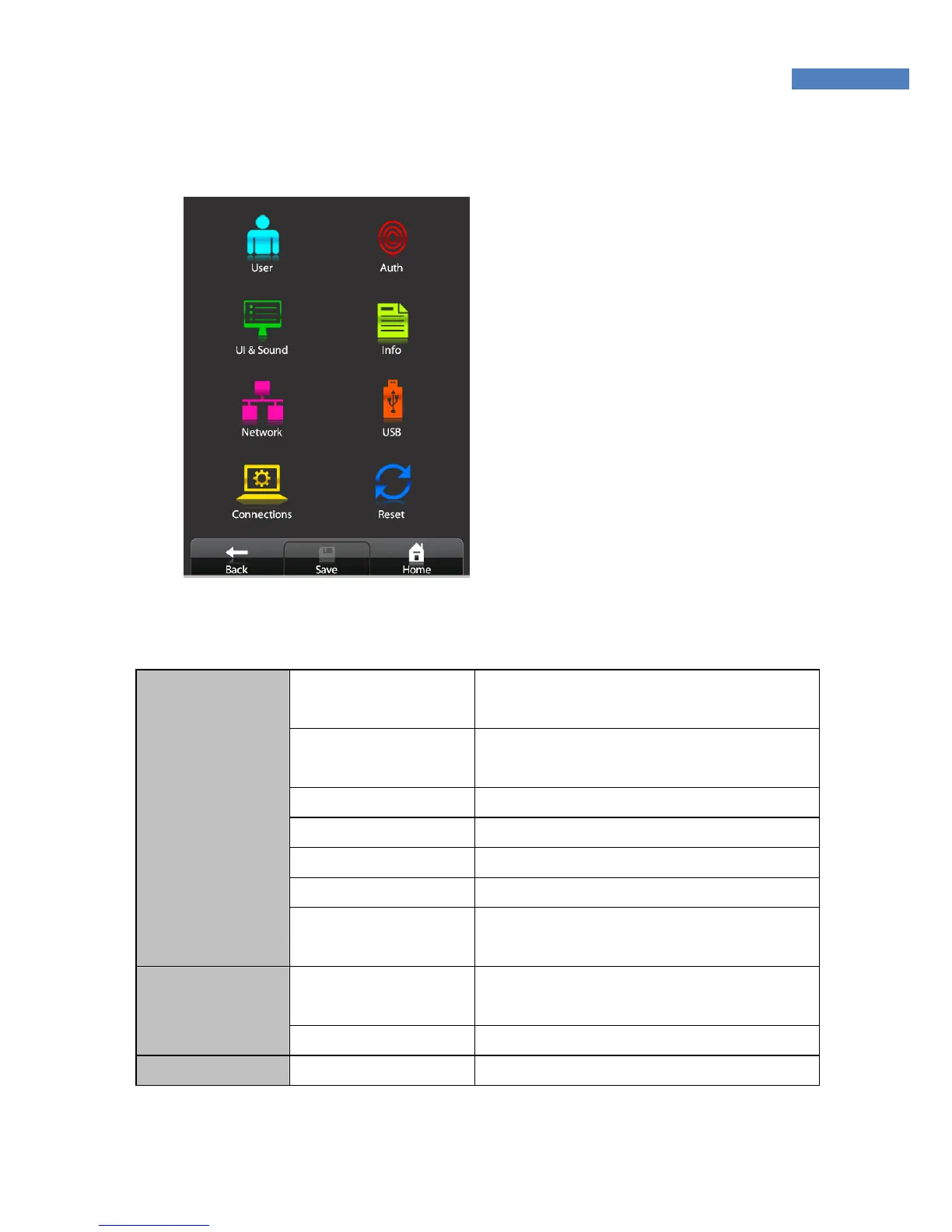
The Administrator menu has eight submenus as shown below.
The following describes each sub menu:
User Register
ID, Group, privilege, Fingerprint
Authentication, Authentication Type
Modify
ID, Group, privilege, Fingerprint,
Authentication, , Authentication Type
Delete Enter the user ID
Delete all
List
Card-Only
User
Terminal User
Validation
Enter the user ID
Display
Language, Main view, LCD Brightness,
User image, Time&Date
UI & Sound
Sound Voice, Effect, Volume
Network Normal Type, Encryption, Ping Time



 To Next Page