29
UI & Sound Setting
The user can change the background display, language, time, and
sound .
Display Setting
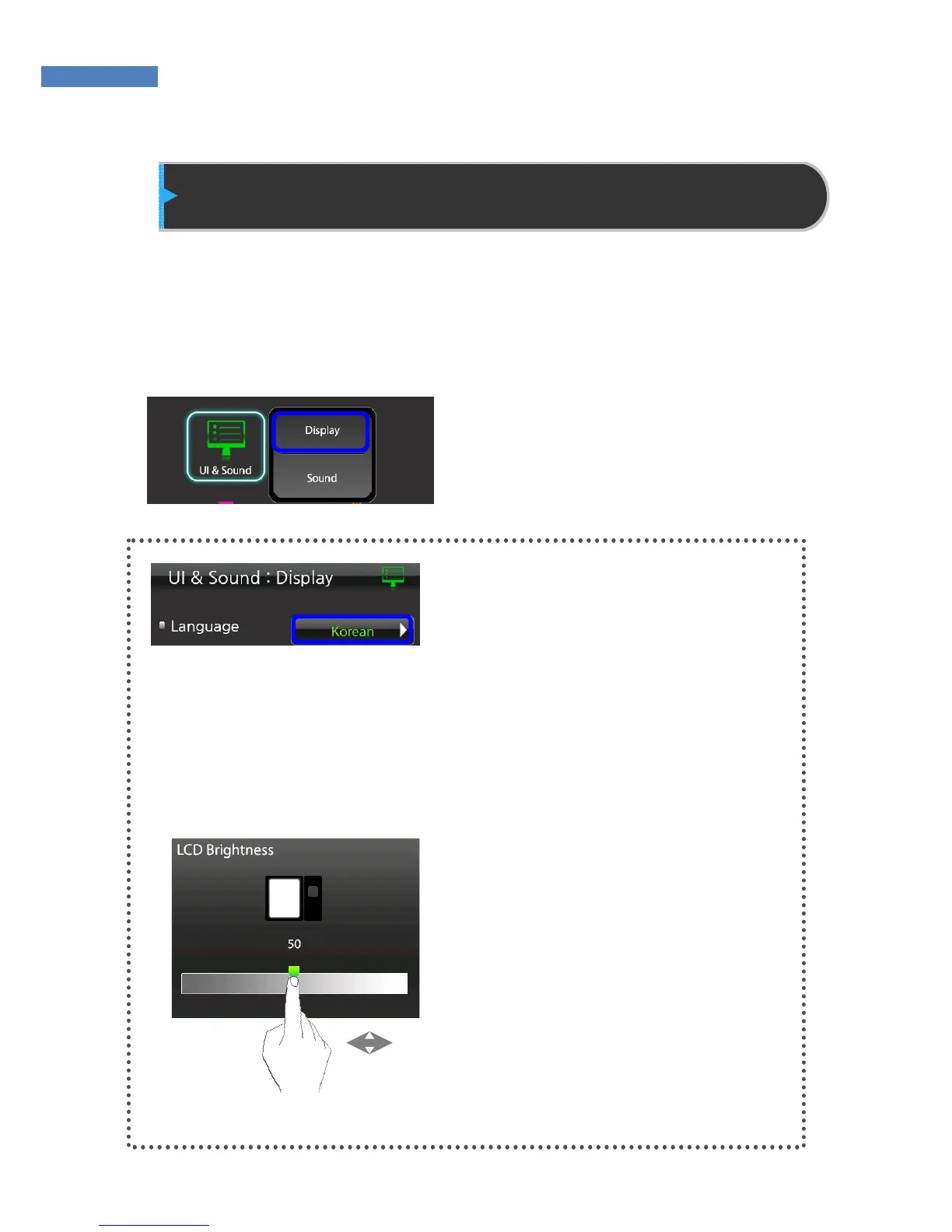
To change the display, date, or
time, select “UI&Sound” ->
“Display”
Language
Press the “Language” button to sel-
ect the language displayed on the
screen. The NAC-5000 supports
Korean, English, Portuguese,
Brazilian, Spanish, French,
Indonesian.
LCD Brightness
(will be available)
LCD brightness can be set
between 0 and 100. The default
value is 50. By moving his finger
right or left on the slider, the user
can select the brightness.



 To Next Page