12
Touch Screen Usage
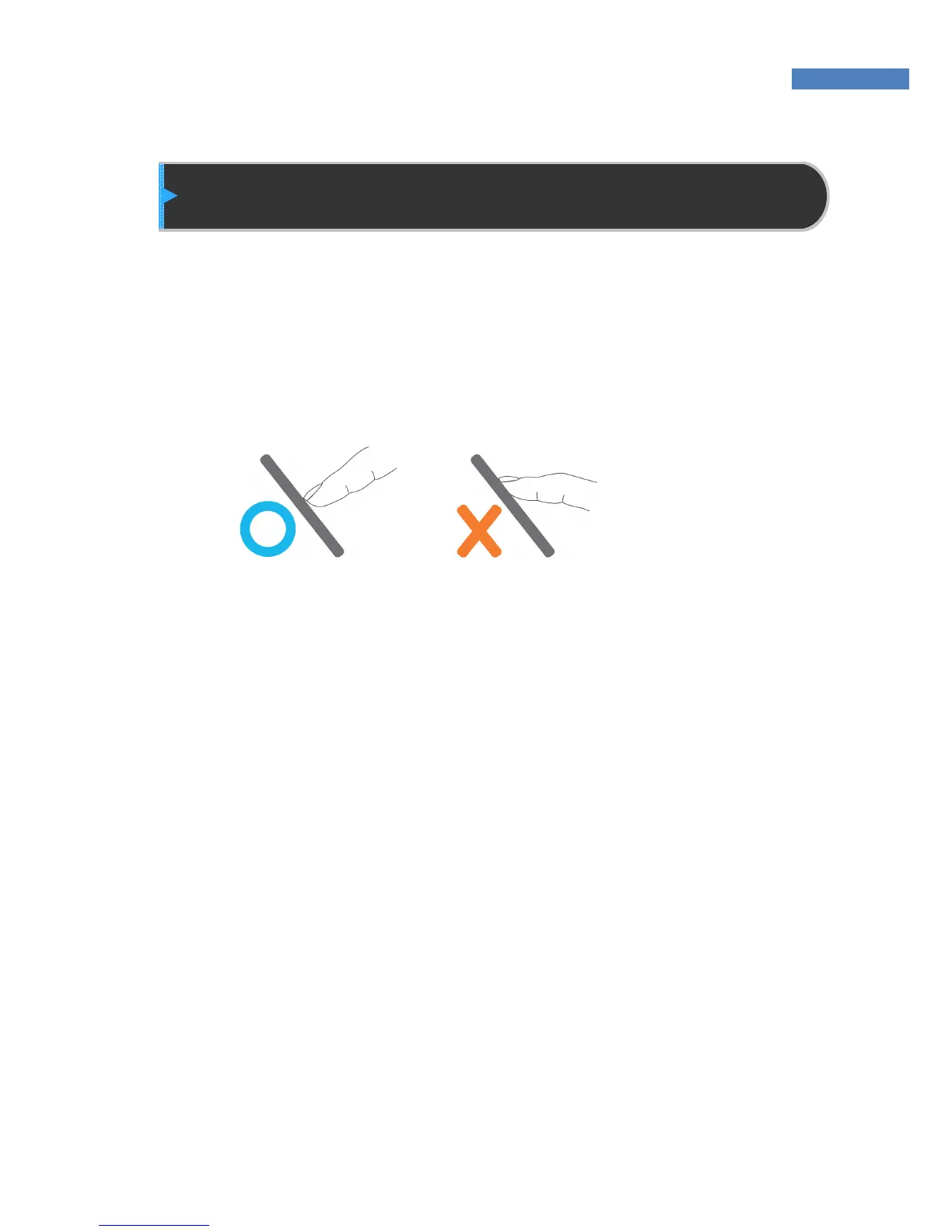
When using the touch screen, use the end of the finger or the nail
because the screen may not recognize larger finger surfaces. If the
locations of the finger’s contact and removal are different, the touch
function may not work properly.
If the touch function is slow to respond or does not work, change the
touch sensitivity by referring to “Chapter 2 Administrator Menu –
Terminal Initialization – Touch Calibration.”
Grime or dust on the touch screen may result in less sensitivity. Keep
the touch screen clean.



 To Next Page