26
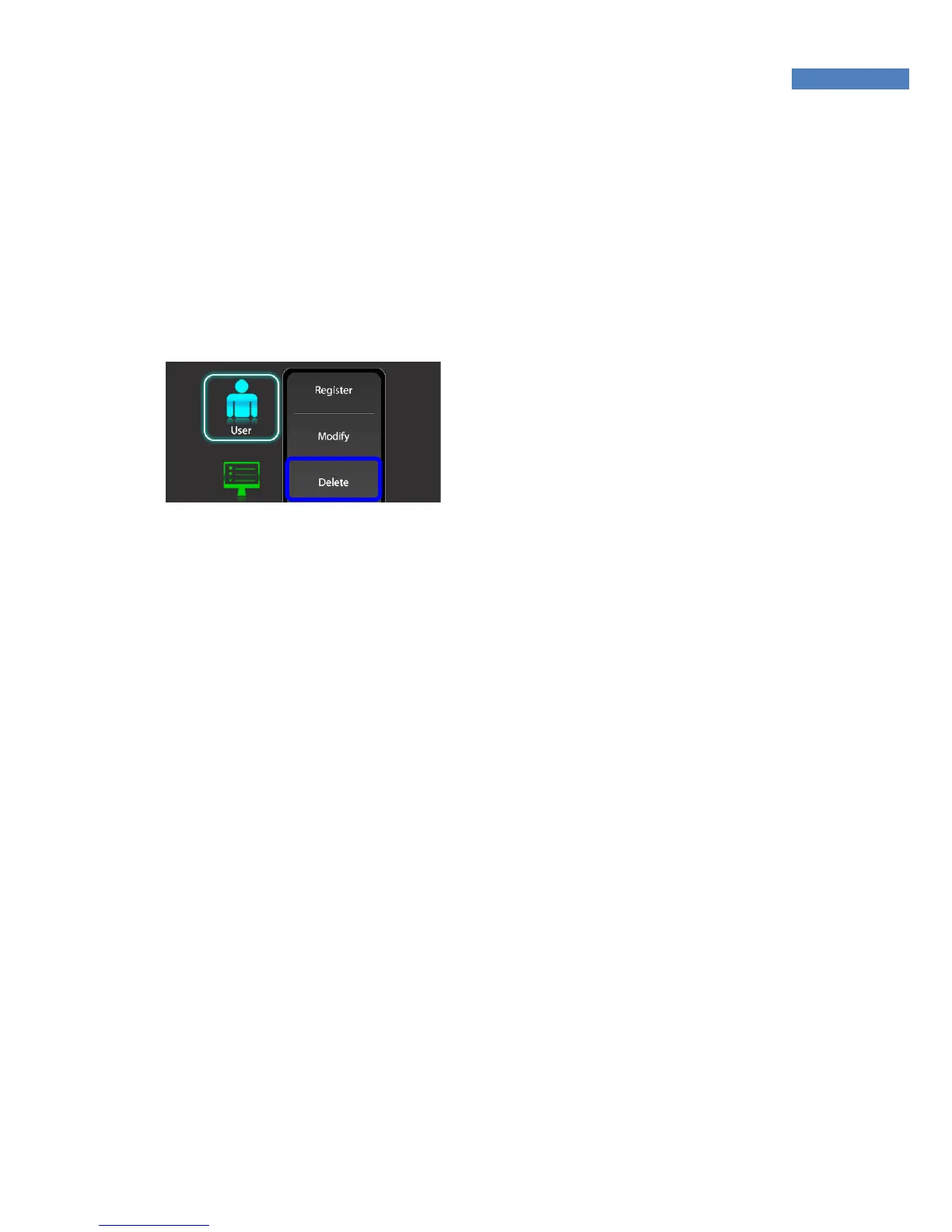
User Deletion
In network mode, the User menu does not support deletion of certain
or all users. The administrator can only delete all users registered at
a certain terminal by selecting “Manage -> Reset -> User
Information.”
1. In order to delete a user from
the terminal, select Admin -
User-and Delete and enter the user
ID to delete. Then, ”Do you want to
delete the user?” message will
show up. Select “Yes”
2. To delete all registered users,
press “Delete All”.



 To Next Page