34
Network Mode
In network mode, terminals can be conveniently and efficiently
managed through TCP/IP communication with the server. In
network mode, user authentication and DB management are done by
the server while user registration and door control are done by the
terminal. To use network mode, install a management program
(AccessManager Professional, AccessManager) in the server/client
system.
If there is a user on the terminal, network mode cannot be used.
Before switching to network mode, all registered users on the
terminal should be deleted.
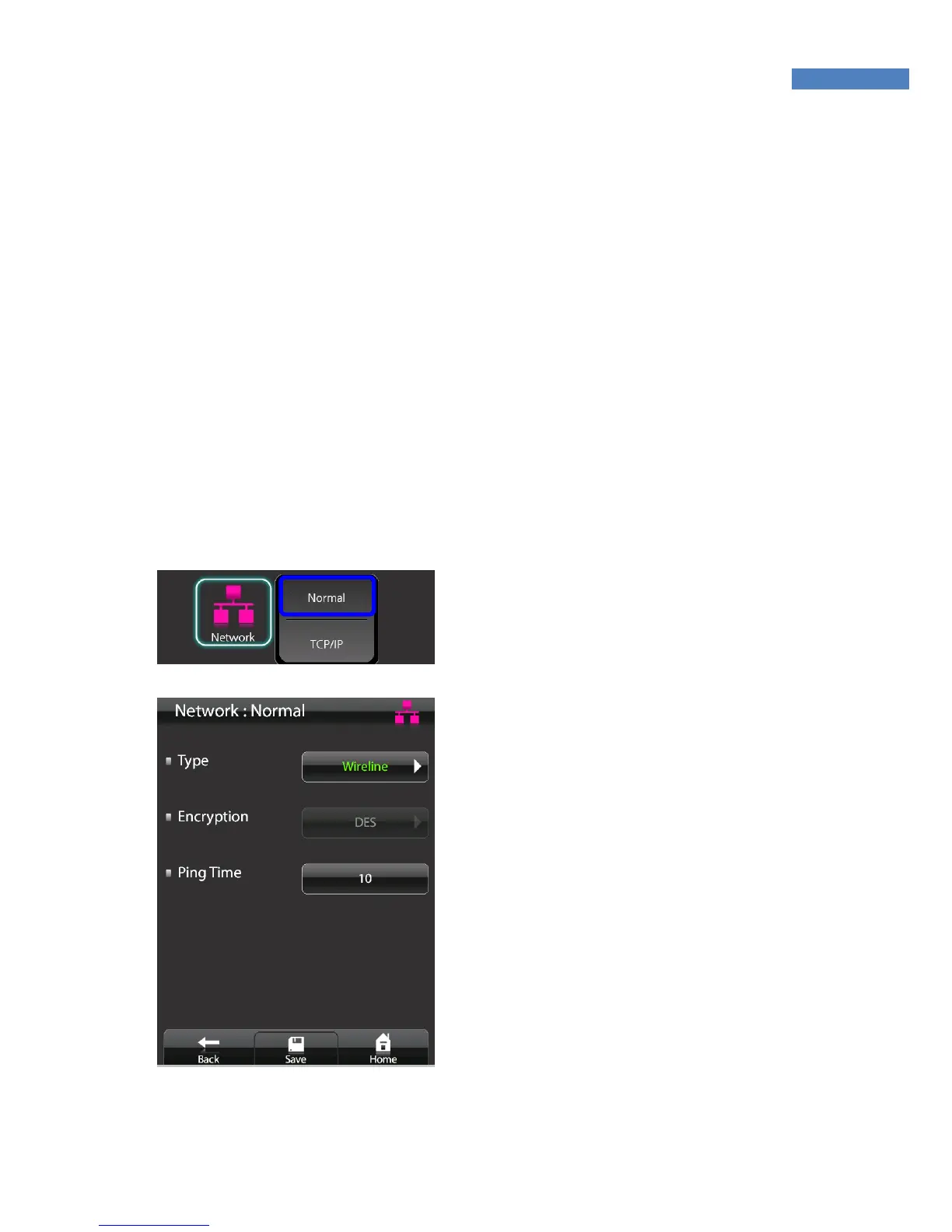
Normal Setting
1. To use network mode, select
“Network” -> “Normal”, and
change “Disable” into “Wired.”
2. The “Encryption” field shows
whether the data exchanged
between terminal servers are
encrypted.
3. “Ping Time” checks communicat-
ion between terminal servers.
The default value is 10 seconds,
it can be set from 2 to 20
seconds.
PING tests are conducted at
predetermined times.
4. After completing network config-
uration, press “Save” at the
bottom of the screen.



 To Next Page