53
USB Memory Connection
User and log data can be uploaded or downloaded by connecting a
USB memory device to the terminal. When uploading data from the
USB device to the terminal, the data will be added to the existing DB.
This feature is not currently available, but will soon be supported.
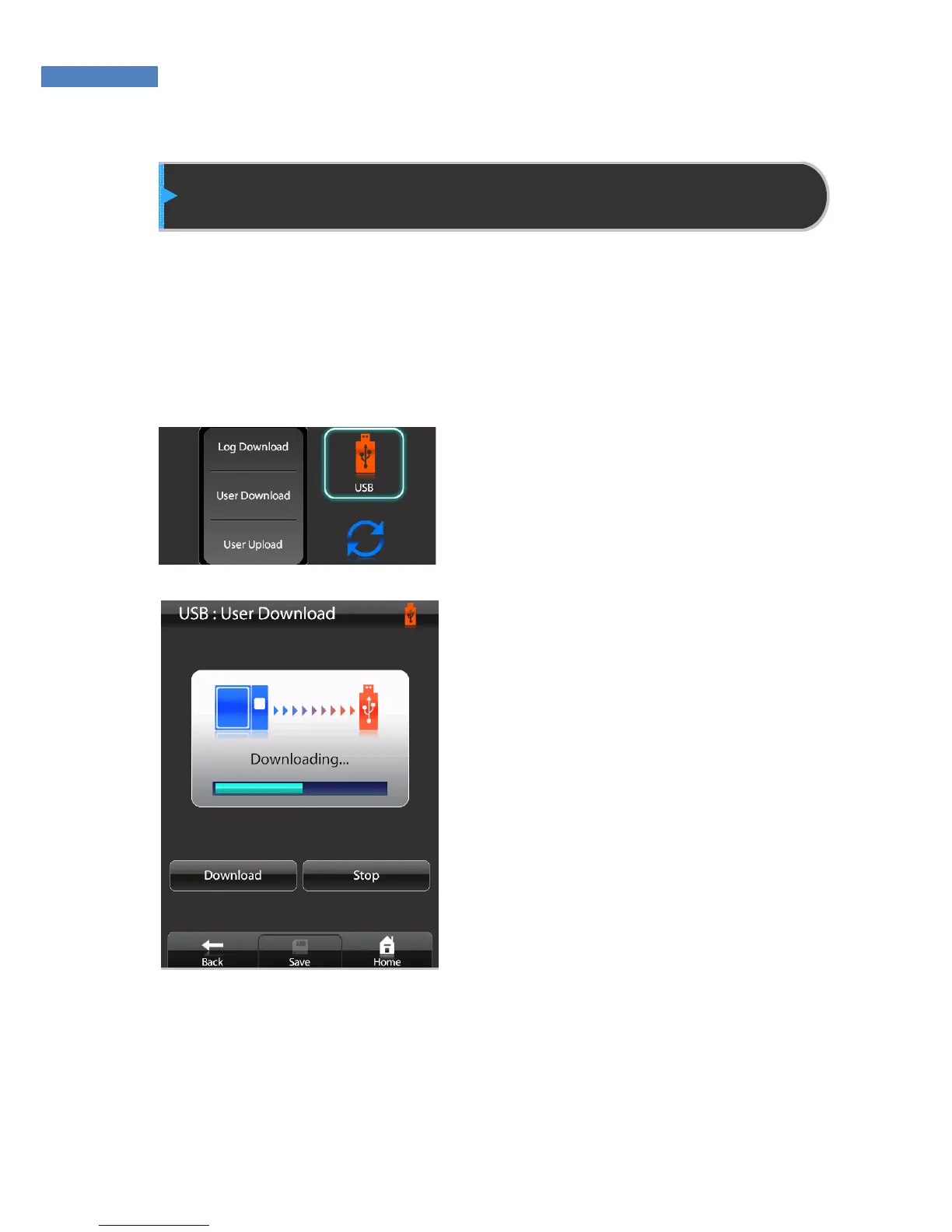
1. Select “USB” and the operation
to perform – Log Download, User
Download, User Upload.
2. Select “Download” or “Upload” to
start the operation.
3. The administrator can stop the
operation by pressing “Stop”.
4. After the upload/download is
complete, press “Save”.



 To Next Page