Home
Nitgen
Security System
NAC-5000
Page 52
Nitgen NAC-5000 - Page 52
69 pages
Manual
Save Page as PDF
To Next Page
To Next Page
To Previous Page
To Previous Page
Loading...
52
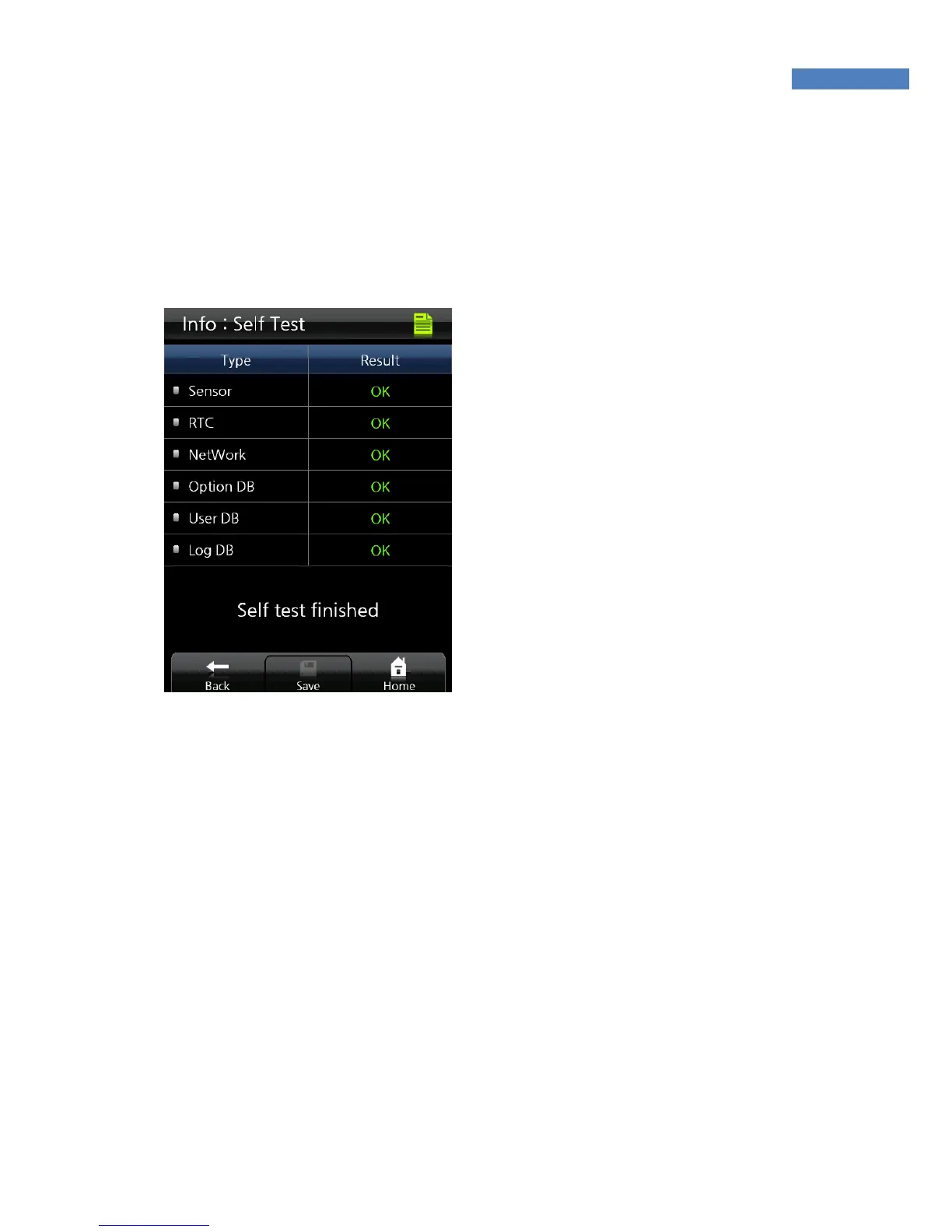
Self T
est
Using the self test function, the term
inal can te
st itself for problems
with sensor, time, network and DB.
T
o perform self-test, select
“Information” -> “Self T
est.” The
terminal will check for problems in
sensor and time configuration.
51
53
Table of Contents
Main Page
Default Chapter
3
Table of Contents
3
Chapter 1 Getting Started
4
Product Introduction
5
Product Components
6
System Configuration
7
Product Description
9
Lcd Screen
10
Touch Screen Usage
12
Chapter 2 Administrator Menu
14
Entering Adminstrator Menu
15
Serial
17
User Management
19
User Deletion
26
Ui & Sound Setting
29
Network Setting
33
System
34
Serial Connection
37
Authentication Option Setting
38
Terminal Information Display
49
Time Zone
50
Usb Memory Connection
53
Terminal Initialization
54
Terminal Reset
54
Chapter 3 General User
56
Door Opening
57
Fingerprint Authentication
58
Authentication in Attendance Mode
59
Changing User Information
61
Appendix
62
Ppendix
63
Troubleshooting
63
Firmware Update
67
Product Specifications
68
Other manuals for Nitgen NAC-5000
Installation Guide
23 pages



 To Next Page