19
The first person to be registe-
red at the terminal is automatically
registered as the administrator.
User Management
The administrator can register, delete, change, or search users with
the User menu.
User Registration
The maximum number of users that can be registered in the is
100,000 templates, and in the case of RF card or if the users use
passwords, up to 100,000 people can register. For example, if the
terminal is registered with 5,000 users and 100,000 fingerprint
templates, additional 95,000 users with passwords or RF cards can
be registered.
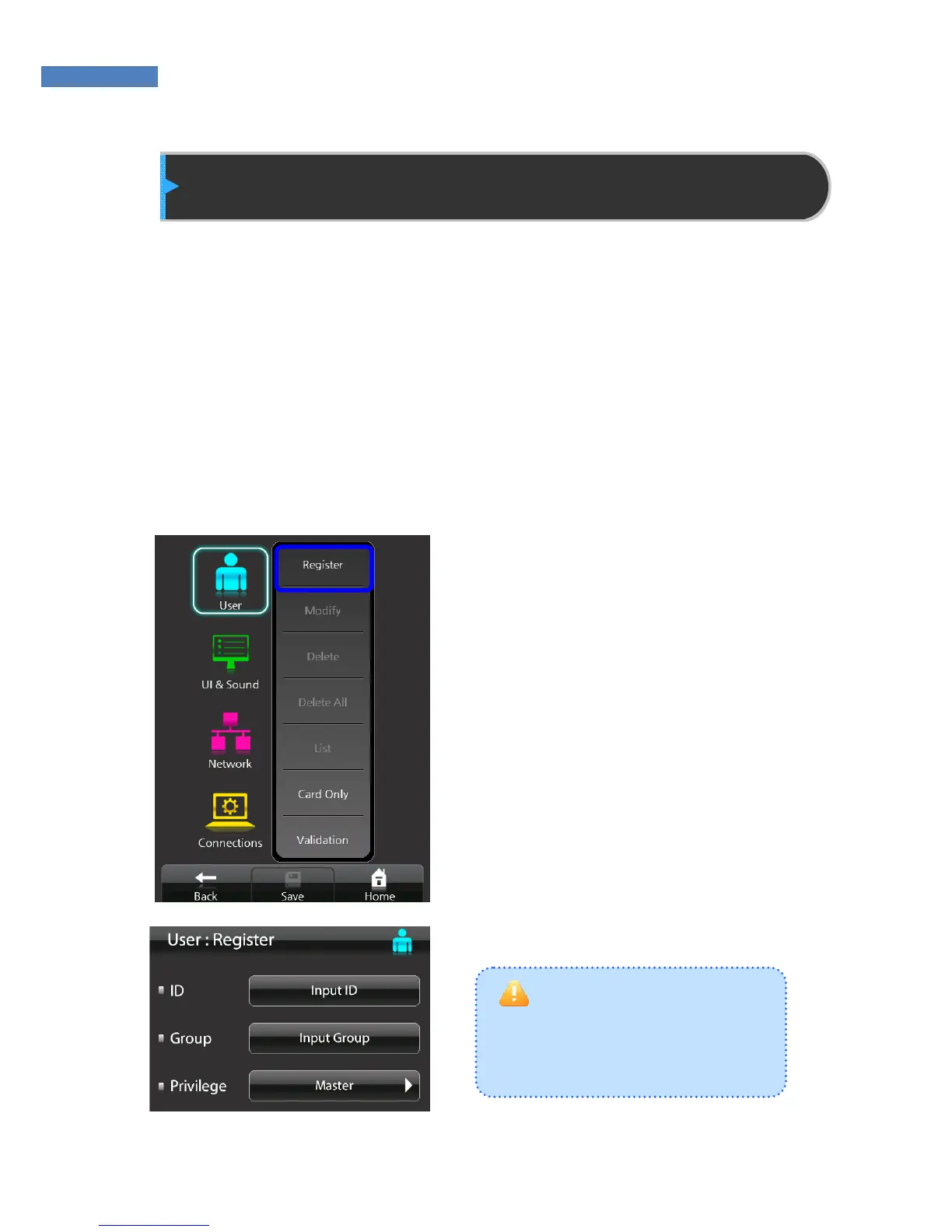
1. Touch Administrator menu ->
User -> “Add” to register a user.
2. Touch “Enter ID” button and
enter the user ID. Then, touch
the “Input group code” button
and enter the group ID.



 To Next Page