50
Time Zone
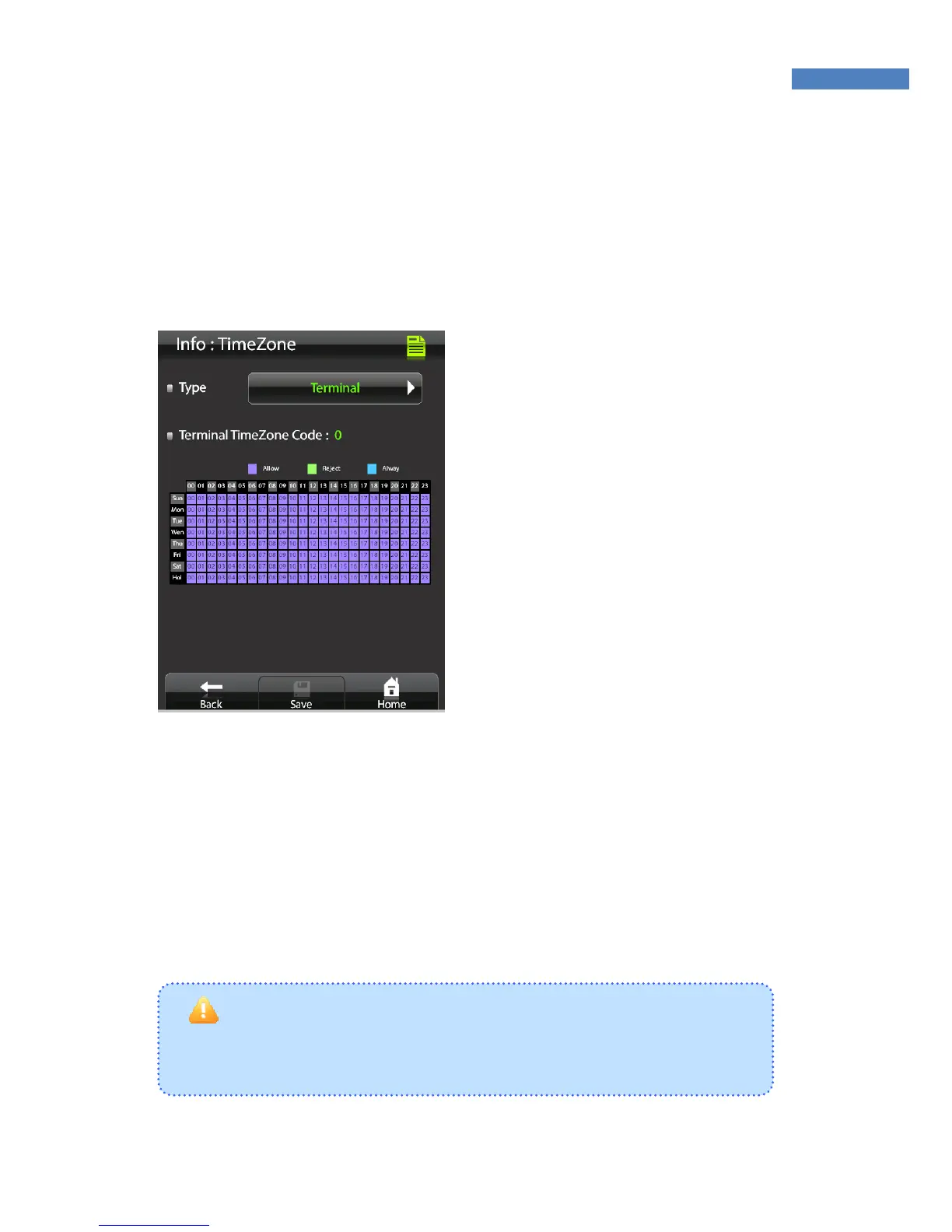
The “Time Zone” menu is used to restrict or allow entry during certain
time periods. Using this function, you can check individual user
timezone or terminal settings.
1. Select the “Info->TimeZone” to
view timezone information.
2. Select the “Terminal” or “User”
that you want check in the “Type”.
3. In the below table, displayed
timezone with days and hours.
You can check the individual or
terminal time zone which is being
set by AccessManager.
The timezone has 3 status as below.
Allow : User or Terminal is available to access time
Reject : User or Terminal is not available to access time
Opened : Door is opened during specifed time
Caution to set Timezone
Timezone can be set through AccessManager Professional which is
not available through terminal



 To Next Page