49
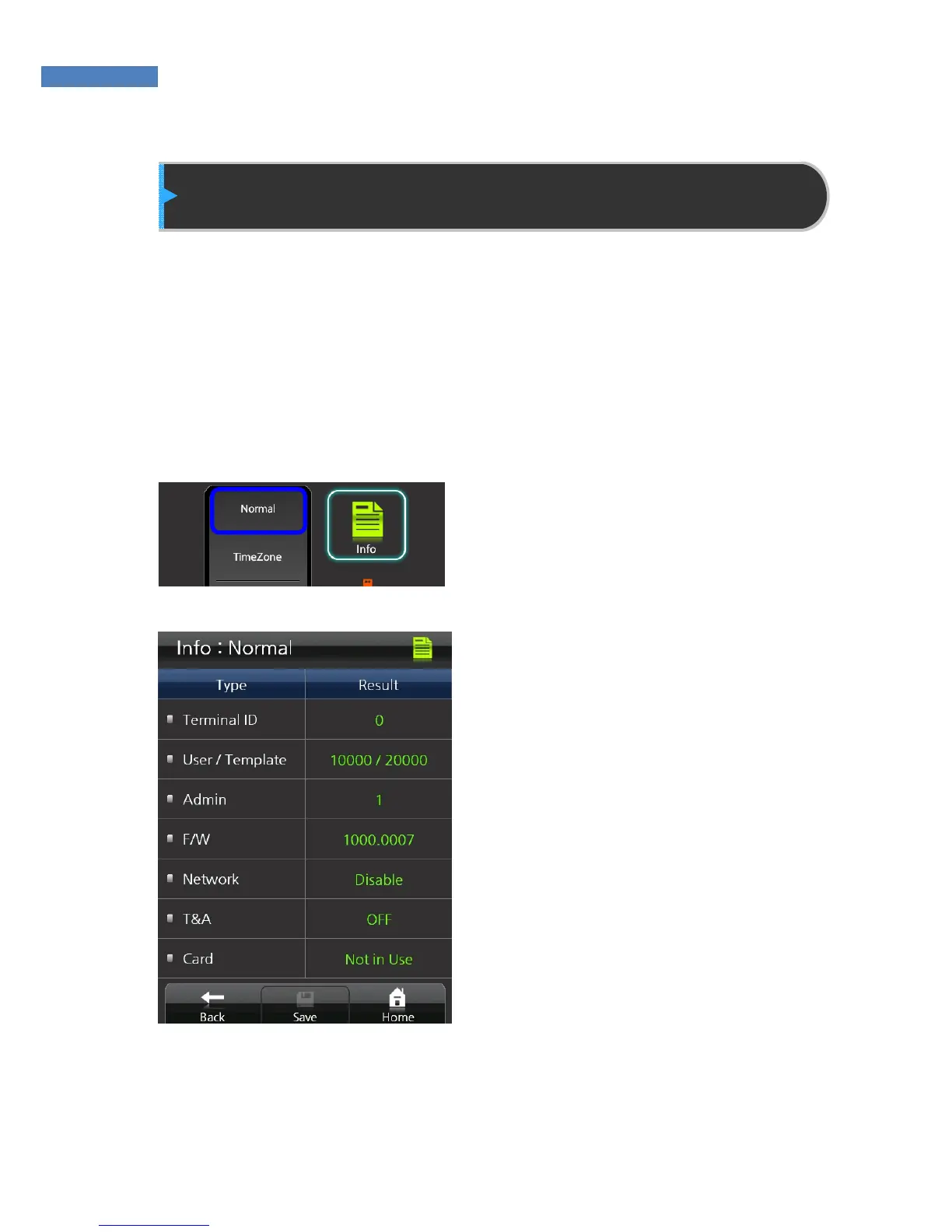
Terminal Information Display
The administrator can check the terminal ID, mode status, firmware
version, number of users, time zone, logs, and other Normal terminal
information. Self-diagnosis can also be performed to check whether
the terminal is working properly.
Normal
To view terminal information,
select Information -> Normal.
The administrator can only view
information, and cannot make
changes.



 To Next Page