54
Terminal Reset
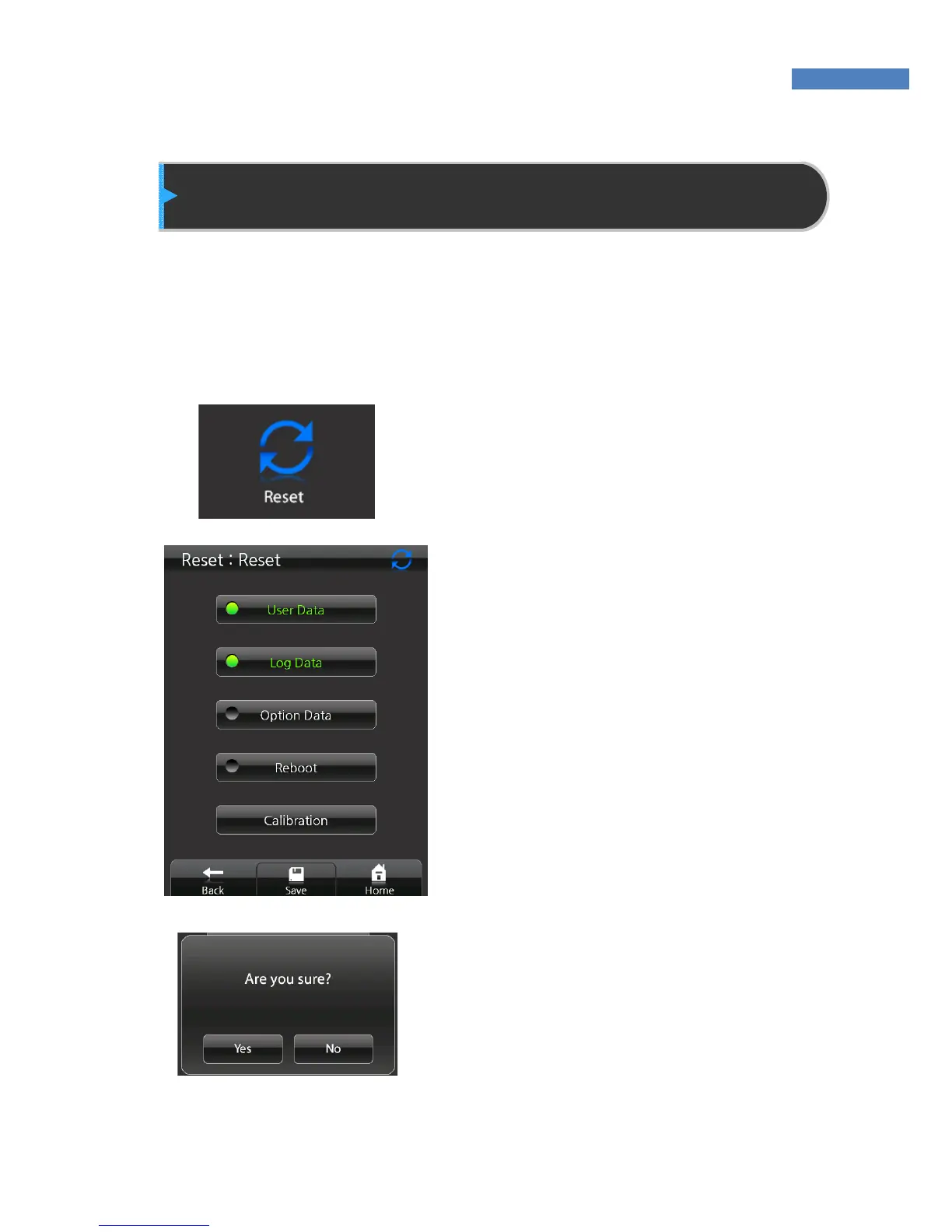
Using the “Reset” menu, the terminal’s user, log, and serial data can
be returned to factory settings, and touch sensitivity can be adjusted.
Reset will delete all the data in the terminal DB.
Reset
1. To reset the terminal data, select
“Reset”.
2. The administrator can reset two
types of data at the same time.
By pressing a submenu again, it
will be unselected.
3. Press “Save” at the bottom of the
screen, and press “Yes” to start
Reset.
4. By selecting “User”, “Log”, and
“Option Info”, and “Restart” at the
same time, the terminal will be
restarted after reset.



 To Next Page