55
Touch Calibration
If response to the touch function is slow or does not work properly,
touch sensitivity can be adjusted with the “Touch Calibration” menu.
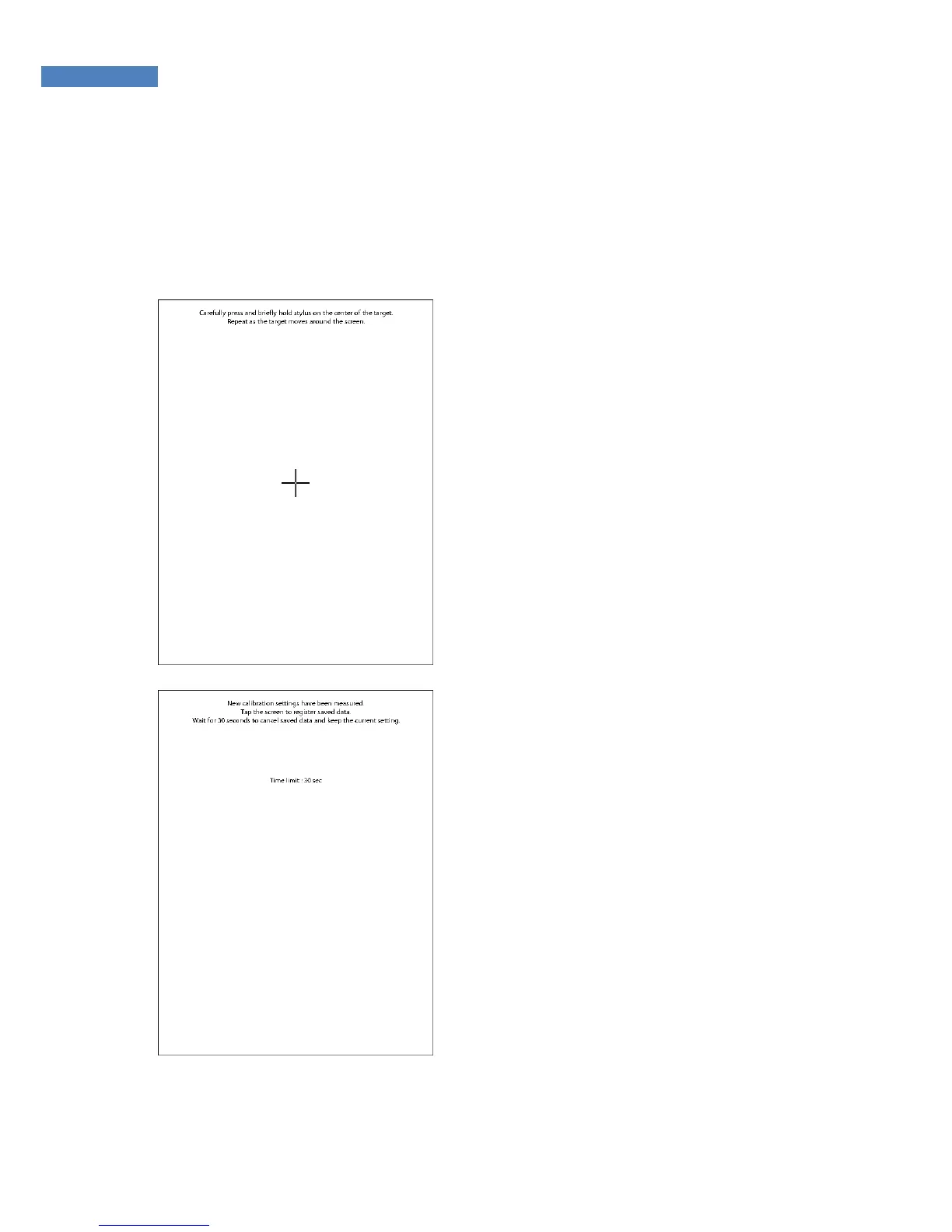
1. Select “Reset” and “Touch
Calibration”. The screen shown
on the right will appear. Carefully
press the “+” at the center of the
screen, and keep pressing for a
while.
2. After the “+” symbol moves,
repeat above Step 1 for the
wanted position.
3. After completing calibration,
touch the screen once and save
the calibration data. If no action
is taken for 30 seconds, the
calibration will be cancelled and
the previous setting will be
restored.



 To Next Page