31
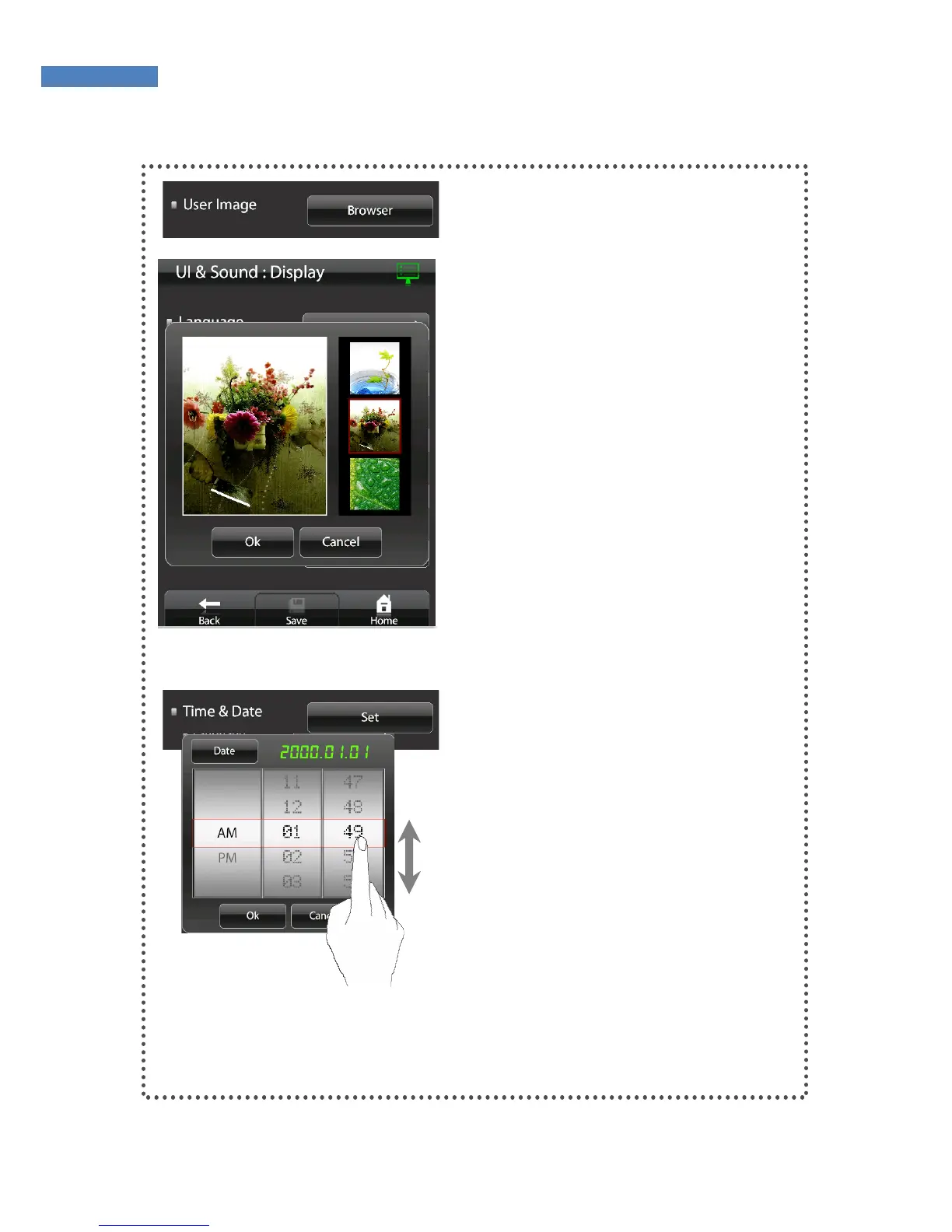
User Image
If a user image is set as the
background screen, the “User
Image” menu is activated. Press
the “Search” button to edit or
configure an image.
Date and Time
Press “Date and Time” -> “Setting”.
Select AM or PM and enter the
time or date by scrolling on the
screen.



 To Next Page