60
To use 1:N authentication in attendance mode, enter the
attendance key and perform authentication without inputting an ID.
The user must select function keys even when the “Allow Only
Attendance Mode” option is selected.
Using Extended Attendance
Mode
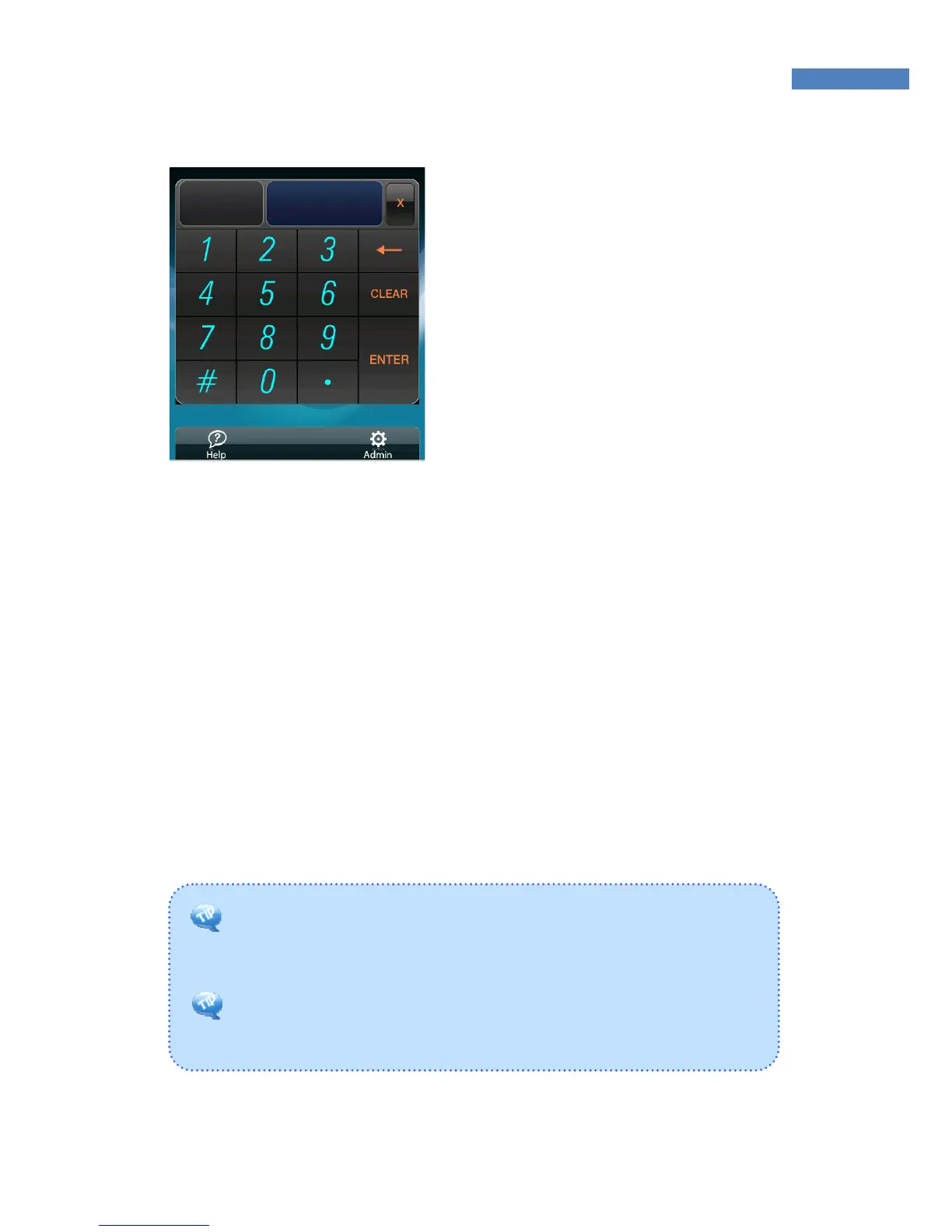
In Extended Attendance Mode, the
initial main screen will be displayed
as shown on the left.
1. Select a function key, and press
“Enter.”
2. Enter the user ID and press
“Enter”to perform authentication.



 To Next Page