Personalize your device
95
Copyright © 2007 Nokia. All rights reserved.
the memory card, save the themes in the device memory
first.
To open a browser connection and download more themes,
select Theme downloads.
To activate a theme, scroll to it, and select Options >
Apply. To preview a theme before activating it, select
Options > Preview.
To edit themes, scroll to a theme, and select Options >
Edit to change the Wallpaper and Power saver settings.
To restore the selected theme to its original settings, select
Options > Restore orig. theme when you edit a theme.
Active standby mode
Use your standby display for fast access to your most
frequently used applications. By default, the active
standby mode is on.
Press , select Tools > Settings > Phone > Standby
mode > Active standby, and press to switch the active
standby on or off.
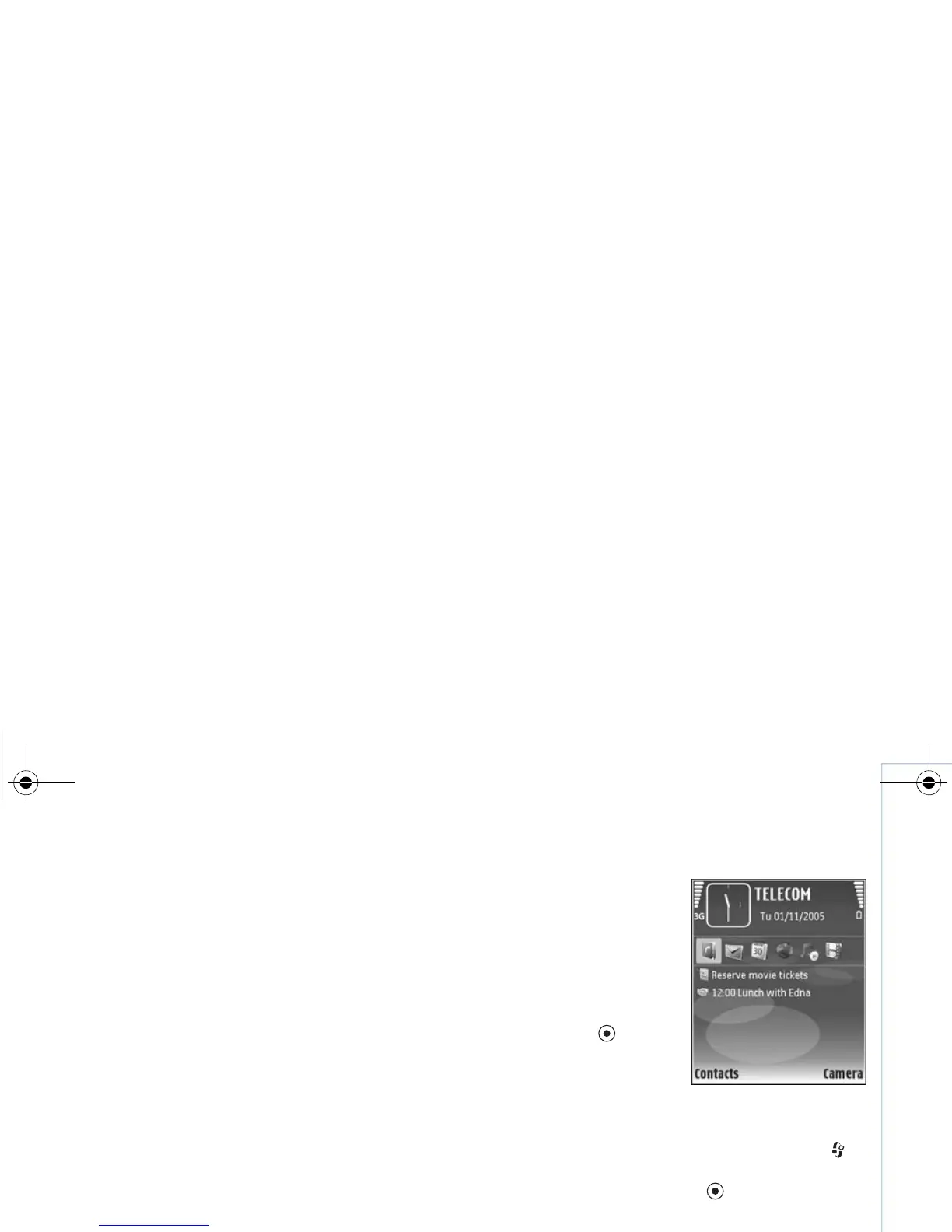
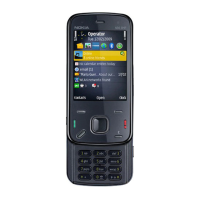
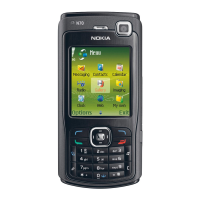
The active standby display is
shown with default
applications across the top of
the screen, and calendar,
to-do, and player events
listed below.
Scroll to an application or
event, and press .
The standard scroll key
shortcuts available in the
standby mode cannot be
used when the active standby mode is on.
To change the default applications shortcuts, press ,
select Tools > Settings > Phone > Standby mode >
Active standby apps., and press .
Some shortcuts may be fixed, and you are not able to
change them.
9253189_N80_en_apac.book Page 95 Tuesday, September 25, 2007 10:09 AM





 To Next Page