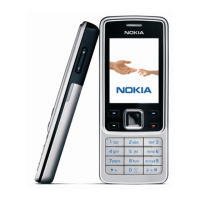
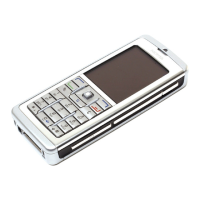
Keys and parts
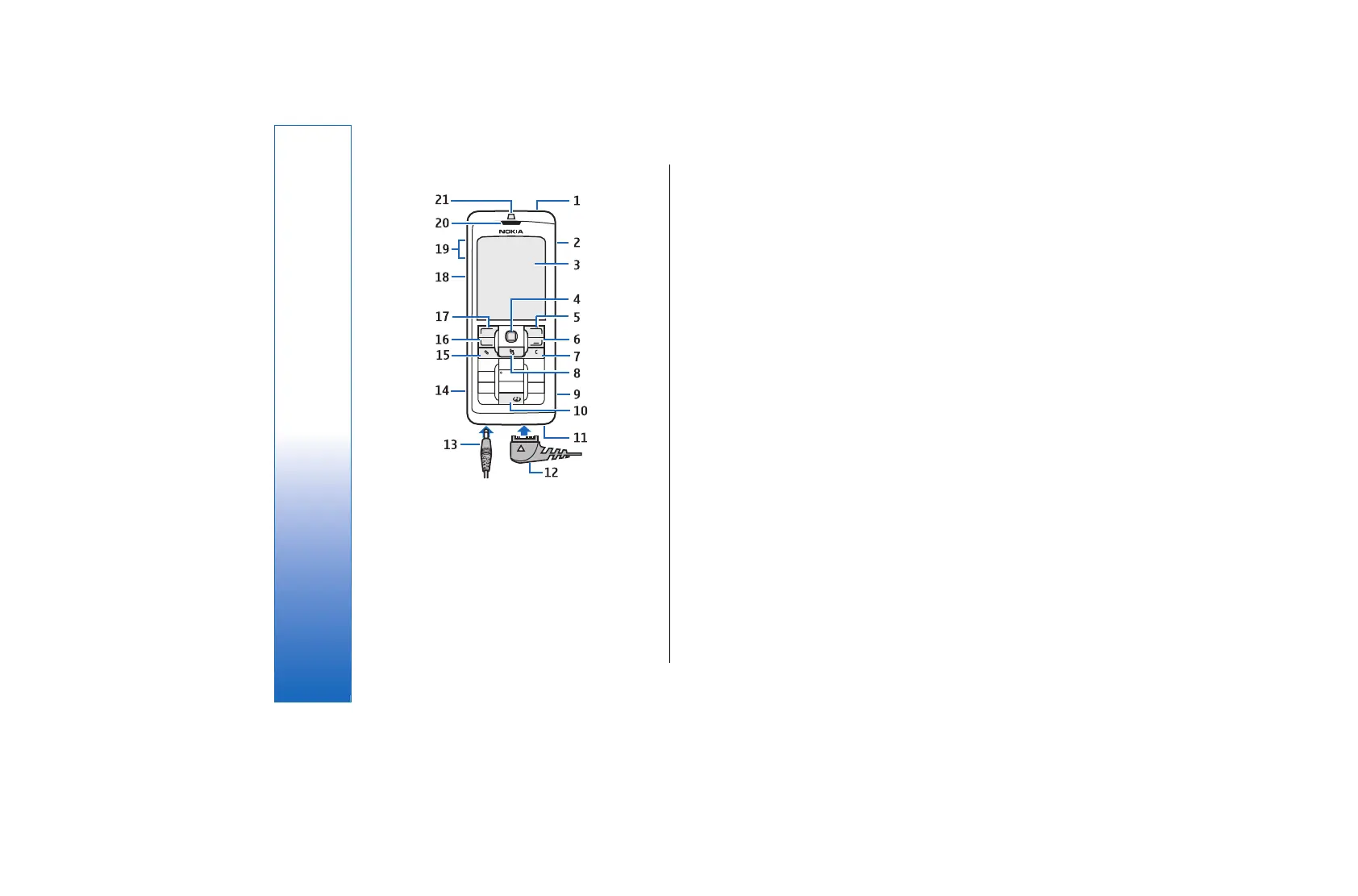
1 — Power key
2 — Integrated loudspeaker
3 — Display
4 — Joystick. Press the joystick to enter a selection. Use
the joystick to scroll left, right, up, down, or to move
around on the screen.
5 — Right selection key. Press either selection key to
perform the function shown above it on the display.
6 — End key. Press the end key to reject a call, end active
calls and held calls, close applications, and with a long
keypress, end data connections (GPRS, data call).
7 — Clear key
8 — Menu key. Press the Menu key to access the
applications installed in your device. With a long
keypress, you can see a list of the active applications
and switch between them. In this User Guide, "select
Menu" refers to pressing this key.
9 — Memory card slot
10 — Sync key
11 — Microphone. Do not cover the microphone with
your hand during phone calls.
12 — PopPort™ . Connector for the USB data cable,
headset, and loopset.
13 — Charger connector
14 — Infrared port
15 — Edit key
16 — Call key
17 — Left selection key. Press either selection key to
perform the function shown above it on the display.
18 — Voice key/Push to talk (PTT) key
19 — Volume keys
20 — Earpiece
21 — Light sensor
12
Get started
file:///C:/USERS/MODEServer/rapi/2290550/rm-49_mars/en/issue_2/rm-49_mars_en_2.xml Page 12 14.11.2005 13:44:58file:///C:/USERS/MODEServer/rapi/2290550/rm-49_mars/en/issue_2/rm-49_mars_en_2.xml Page 12 14.11.2005 13:44:58


 To Next Page