13
NOISE CANCELLATION
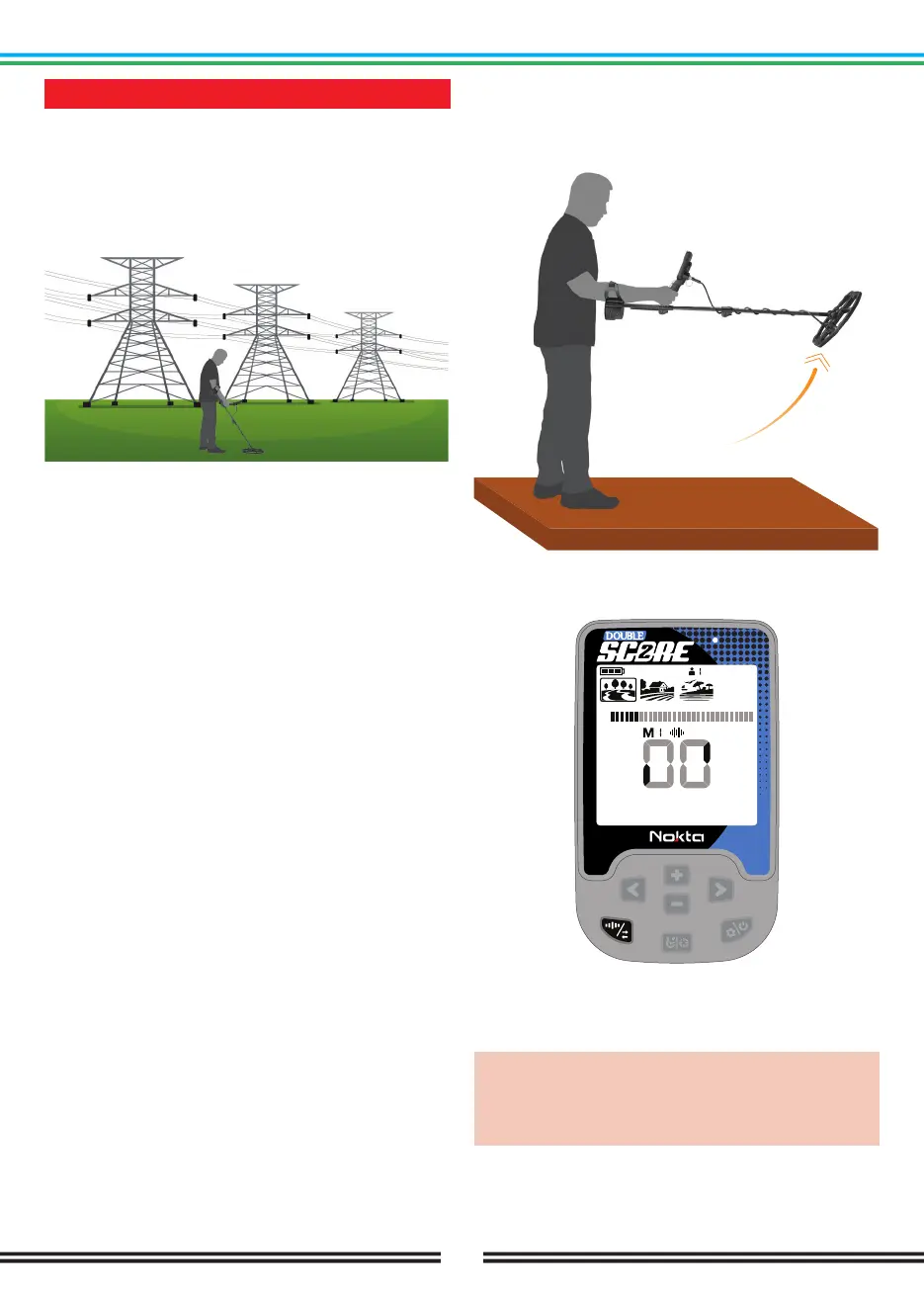
It is used to eliminate the electromagnetic interference
that the device receives from another detector which
operates in the same frequency range nearby or from
the surroundings (high voltage power lines, cellular base
stations, wireless radios and other electromagnetic
devices).
There are 13 channels available for all frequencies
including Multi frequency. The default channel is 1.
Noise Cancellation only affects the mode and frequency
currently selected; changes made in one mode does not
affect the other modes or frequencies..
If too much noise is received when the search coil
is lifted in the air, this may be caused by the local
electromagnetic signals or high sensitivity level.
To obtain maximum depth performance, to eliminate the
noise caused by electromagnetic interference, try Noise
Cancellation first before decreasing the sensitivity.
Detectors may become noisy due to electrical
interference and may exhibit erratic behavior such
as loss of depth or unstable target ID. The Noise
Cancellation setting allows you to eliminate unwanted
noise.
Noise Cancellation
1. Before doing a noise cancellation, lift the device up in
the air as shown in the picture and hold it still until the
process is completed.
2. You can start the Noise Cancelling by long pressing
the Frequency & Noise Cancellation Button.
3. When the process is done, automatically selected
channel number will be displayed and a confirmation
sound will be heard.
IMPORTANT! Noise Cancellation selects the
quietest channel based on various criteria. However,
sometimes the selected channel may still present
some noise.



 To Next Page