26
9. NOTCH (Accepting and Rejecting IDs)
With the notch feature, you can accept (turn on)
and reject (turn off) 2 IDs at the same time.
The lines for the rejected IDs will be erased and these
IDs will be blanked out on the ID scale. The device will
not provide an audio response or Target IDs for these
targets.
Notch setting only affects the mode currently selected;
changes made in one mode do not affect the others.
Forming a Customized Discrimination Pattern
There are 2 different ways of forming a Custom
Discrimination Pattern: Manual and Automatic.
Manual Notch
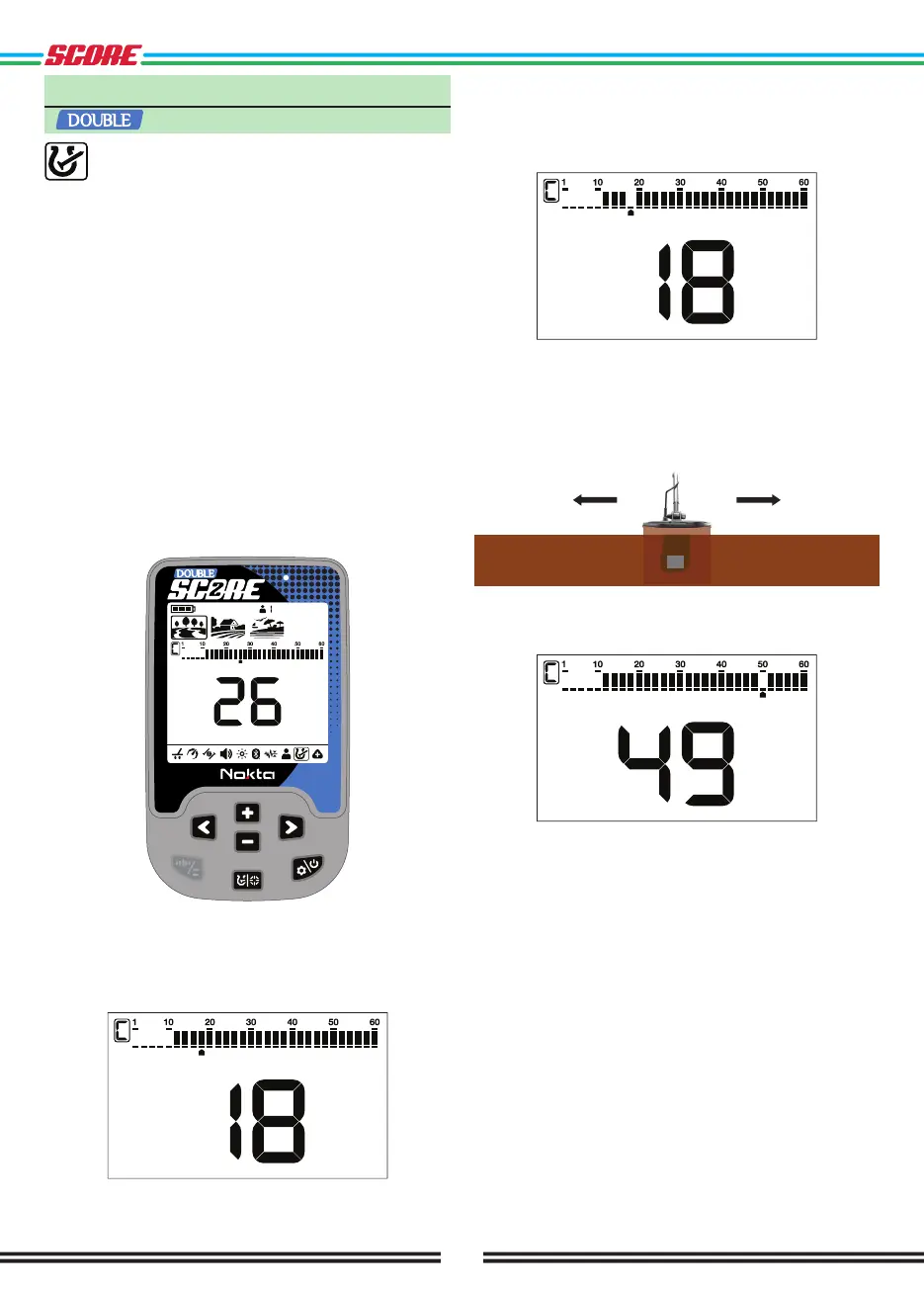
Hold the coil stationary. Press the Power & Settings
Button once and use the Right & Left Buttons to select
the custom discrimination pattern feature. The last
Target ID will be displayed on screen and an arrow
cursor will appear under the Target ID scale.
Move the cursor with the Plus (+) & Minus (-) Buttons.
Each time you press the button, the Target ID will
change on screen. Select the ID you want to turn off
(reject) or on (accept).
Press the Pinpoint & Discrimination Button. If the ID
you selected was turned off (rejected) , it will now be
turned on (accepted) and vice versa. You can follow the
changes on the ID scale.
Automatic Notching
While in the notch setting, swing the coil over the target
you want to reject or accept. The cursor underneath
the ID scale as well as the Target ID in the middle will
show the ID of the target.
To turn off or to turn on the ID press the Pinpoint &
Discrimination Button.
DOUBLE SCORE will not generate an audio response
for rejected targets. However, their IDs will be shown in
the notch discrimination menu.
The cursor will appear where you last left it the next
time you use the notch discrimination setting.



 To Next Page