25
Changing the Active User Profile
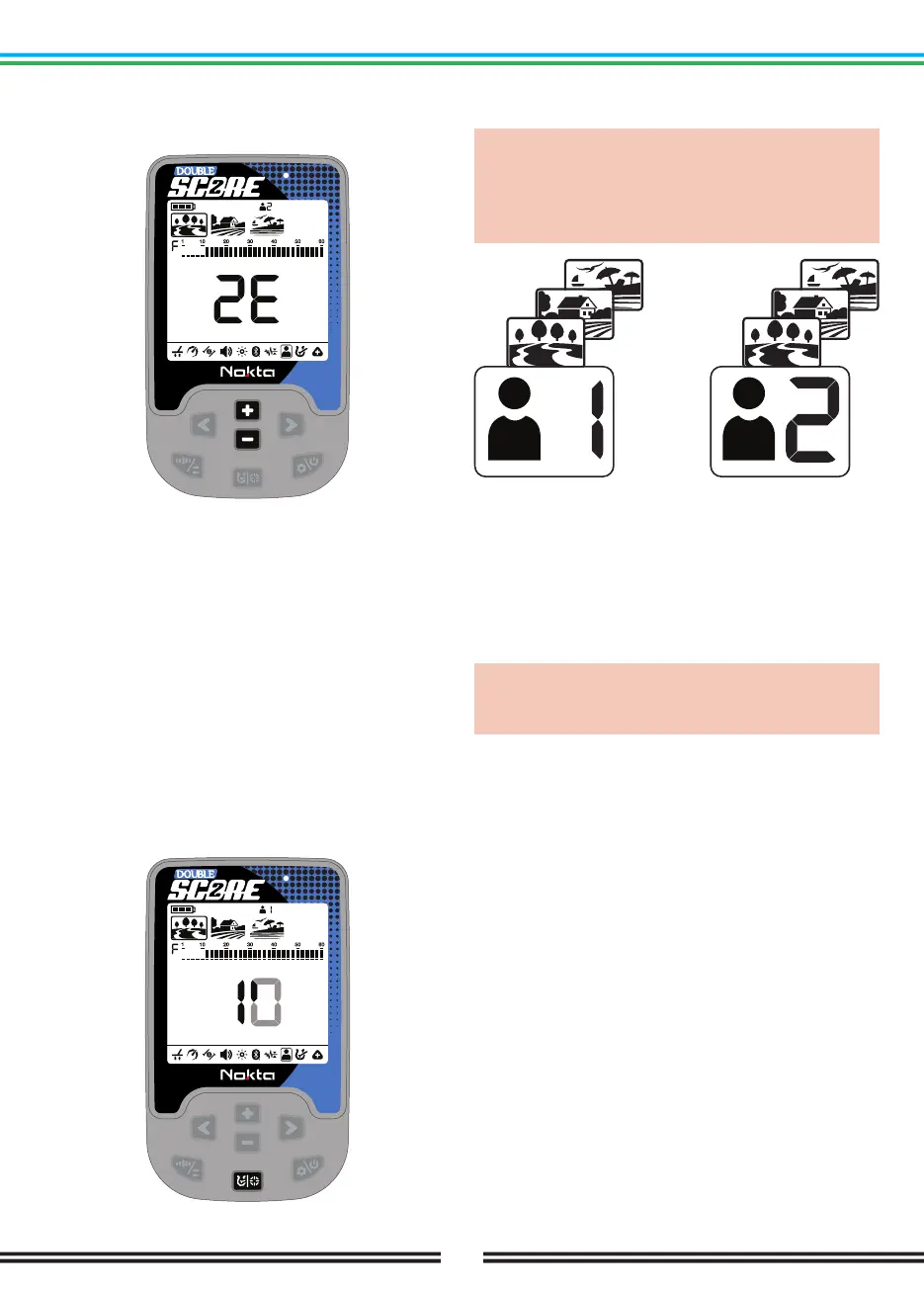
In the User Profile Setting, you can change the user
profile by using the Plus (+) & Minus (-) Buttons.
The selected user profile will only become active when
you exit the User Profile setting.
Saving a User Profile
DOUBLE SCORE tracks all changes made in the settings
and even if you do not save them in a user profile, the
device always starts with the last saved settings when
you turn it off and on again.
However, if you would like to save your settings for a
specific location, you can save them in a user profile.
Once you select the user profile number in the
User Profile setting, press and hold the Pinpoint &
Discrimination Button to save your settings to the
selected user profile. An animation will appear on the
screen as follows.
Once the user profile is saved, the User Profile will
change from 1E to 1F.
IMPORTANT! Once you save a user profile, if you use
that profile as the active user profile, all changes
you make will be saved automatically. To keep your
saved settings, you must choose another user profile
as the active user profile.
Resetting the User Profile
1. In the User Profile setting, use the Plus (+) & Minus
(-) Buttons to choose the saved user profile you want
to reset.
2. If a user profile has been saved before, press and hold
the Pinpoint & Discrimination Button to reset that user
profile. the User Profile will change from 1F to 1E.
IMPORTANT! When you save a user profile, all
settings in all modes will be saved. You cannot save
the settings in a specific mode only.



 To Next Page