21
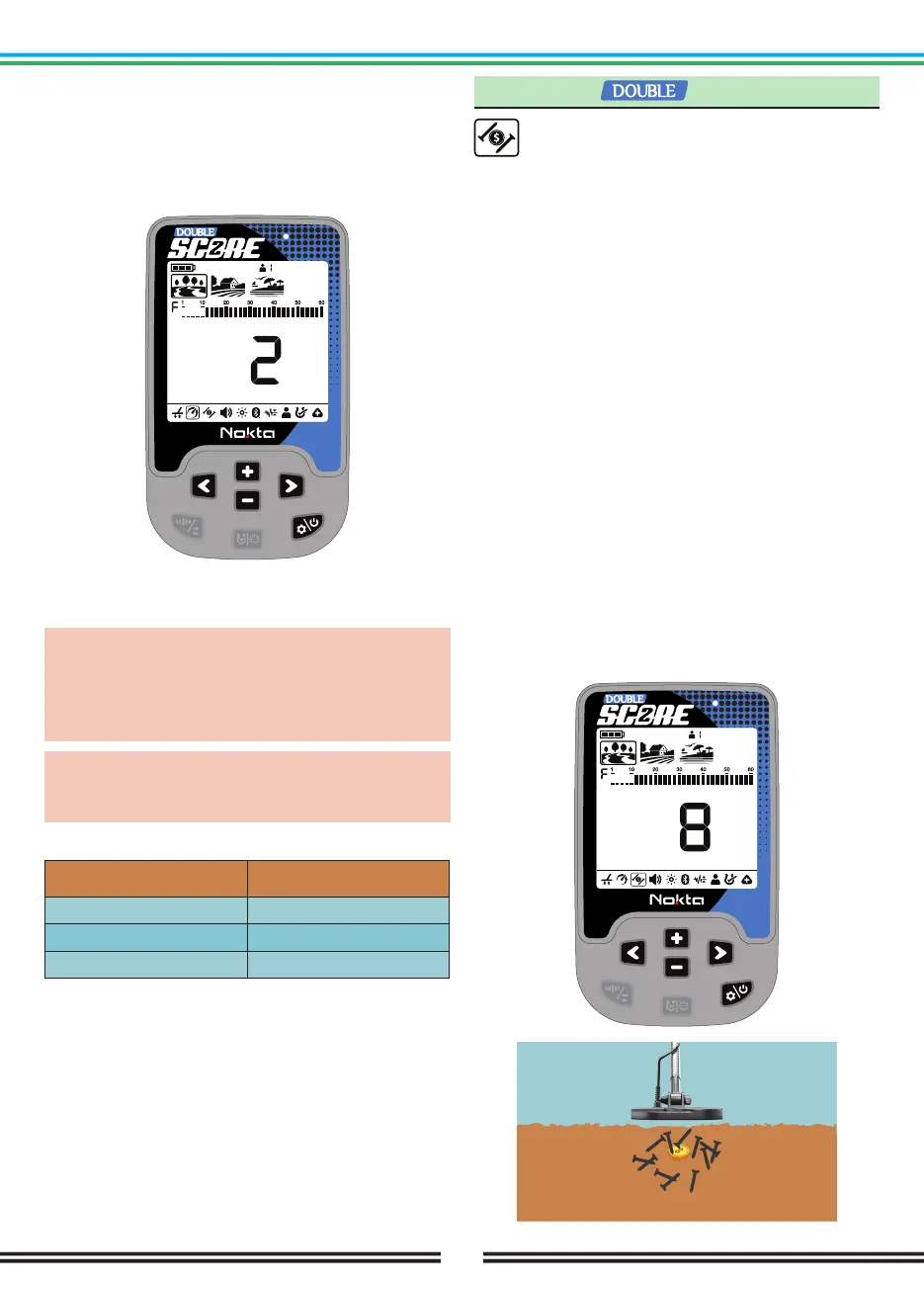
Adjusting the Recovery Speed
Press the Power & Settings Button once. Select the
Recovery Speed setting using the Right & Left Buttons.
The current value will be displayed on screen. Change
the value of the Recovery Speed using the Plus (+) &
Minus (-) Buttons.
Press the Power & Settings Button once to go back to
the main screen.
IMPORTANT! Increasing the Recovery Speed allows
for a faster sweep rate with less chance of missing
targets. Increasing Recovery Speed at the same
sweep rate will help to eliminate ground noise but it
will decrease detection depth.
If you encounter high levels of ground noise on
beach sand or underwater, try increasing the
Recovery Speed.
Default Recovery Speed Settings
Search Mode
PARK
FIELD
BEACH
Recovery Speed
2
2
2
3. Iron Filter
Iron Filter allows desired non-ferrous targets in
trashy sites, previously masked by iron, to be
detectable.
Iron Filter (IF) setting ranges between 0-9 in the Park
and Field modes and 1-9 in Beach mode. The default
value is 3.
This setting only works when Multi Frequency is
selected.
Iron Filter setting only affects the mode currently
selected; changes made in one mode do not affect the
others.
Level 9 will become handy when trying to discriminate
some unwanted mid-conductors such as shotgun
cartridges as iron.
Lower IF setting will increase the probability of ferrous
targets to be classified as non-ferrous targets and vice
versa.
Adjusting Iron Filter
When the device is working in Multi frequency, Press
the Power & Settings Button once. Select the Iron Filter
feature using the Right & Left Buttons. The display will
show the current Iron Filter value. It can be adjusted
using the Plus (+) & Minus (-) Buttons..



 To Next Page