27
During automatic notching, if the IDs are too jumpy,
you can press the Frequency & Noise Cancellation
Button to instantly decrease the sensitivity, allowing
you to easily turn IDs on/off.
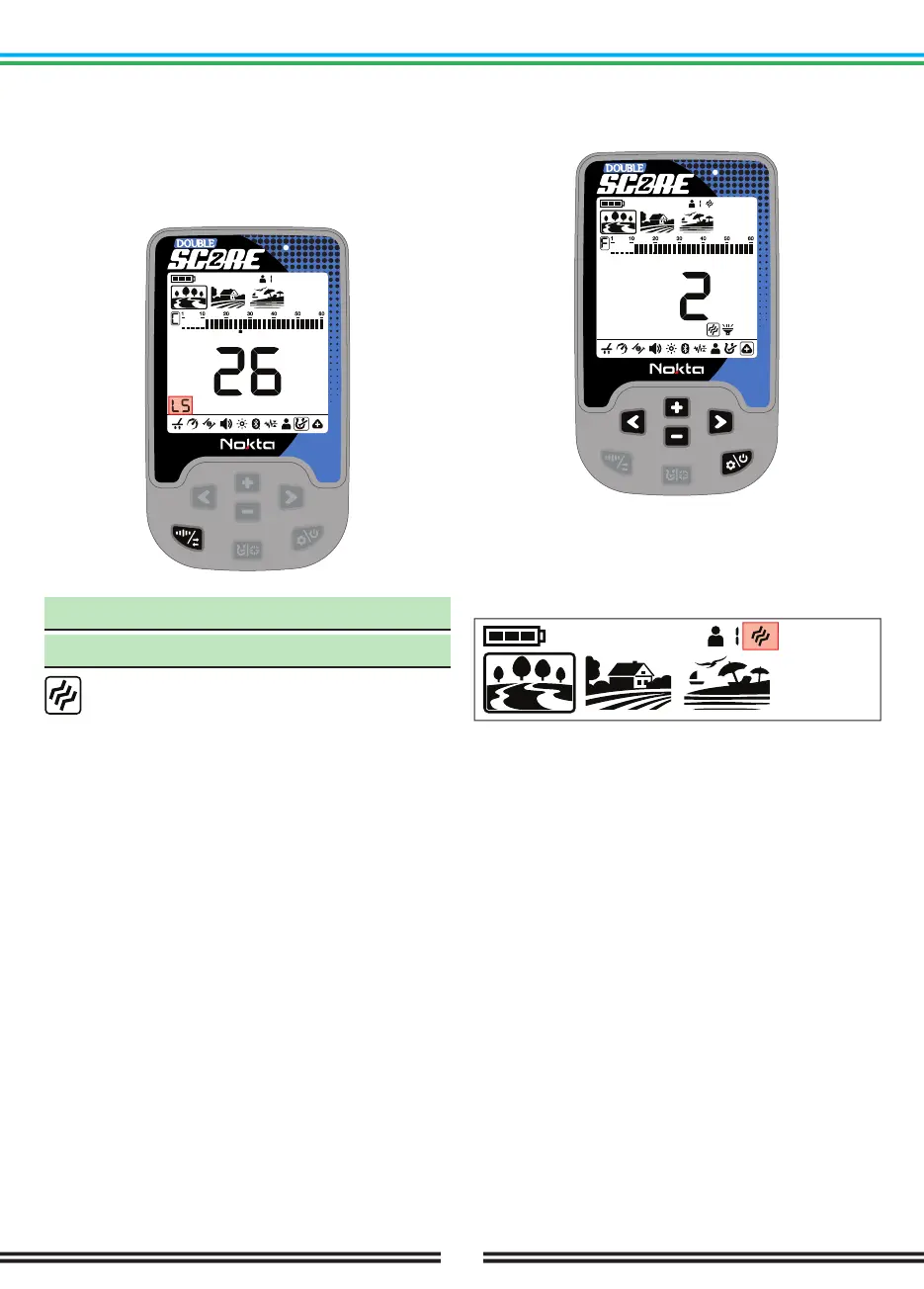
The display will display the letters ‘LS’, indicating that
the sensitivity level has been lowered.
10. Sub-Settings
10.1. Vibration
This feature provides feedback to the user by
producing a vibration effect when a target is
detected.
It can be used independently or together with the
audio response. When audio response is disabled, all
responses during target detection are provided to the
user as vibration only.
Vibration setting ranges from 0-5. At 0 vibration is
off. The magnitude of the vibration effect can vary
according to the depth of the target and the swinging
speed. This setting is common in all search modes.
This setting is common to all modes; changes will take
effect in all modes.
When you turn off and on the device, it will start with
the last vibration level you chose.
Adjusting the Vibration
Press the Power & Settings Button once. Select Sub-
Settings using the Right & Left Buttons. Press the Plus
(+) Button once to go to the top menu and select the
Vibration setting using the Right & Left Buttons.
The current vibration value will appear on the display.
You can change the value using the Plus (+) & Minus
(-) Buttons.
Press the Pinpoint & Discrimination Button once to go
back to the sub-menu.
When the vibration is on, the vibration icon will be
displayed in the info section at the top of the screen.
Even if the vibration is on, it will not generate a response
for targets while in the settings menu but only in the
detection screen.



 To Next Page