17
SETTINGS
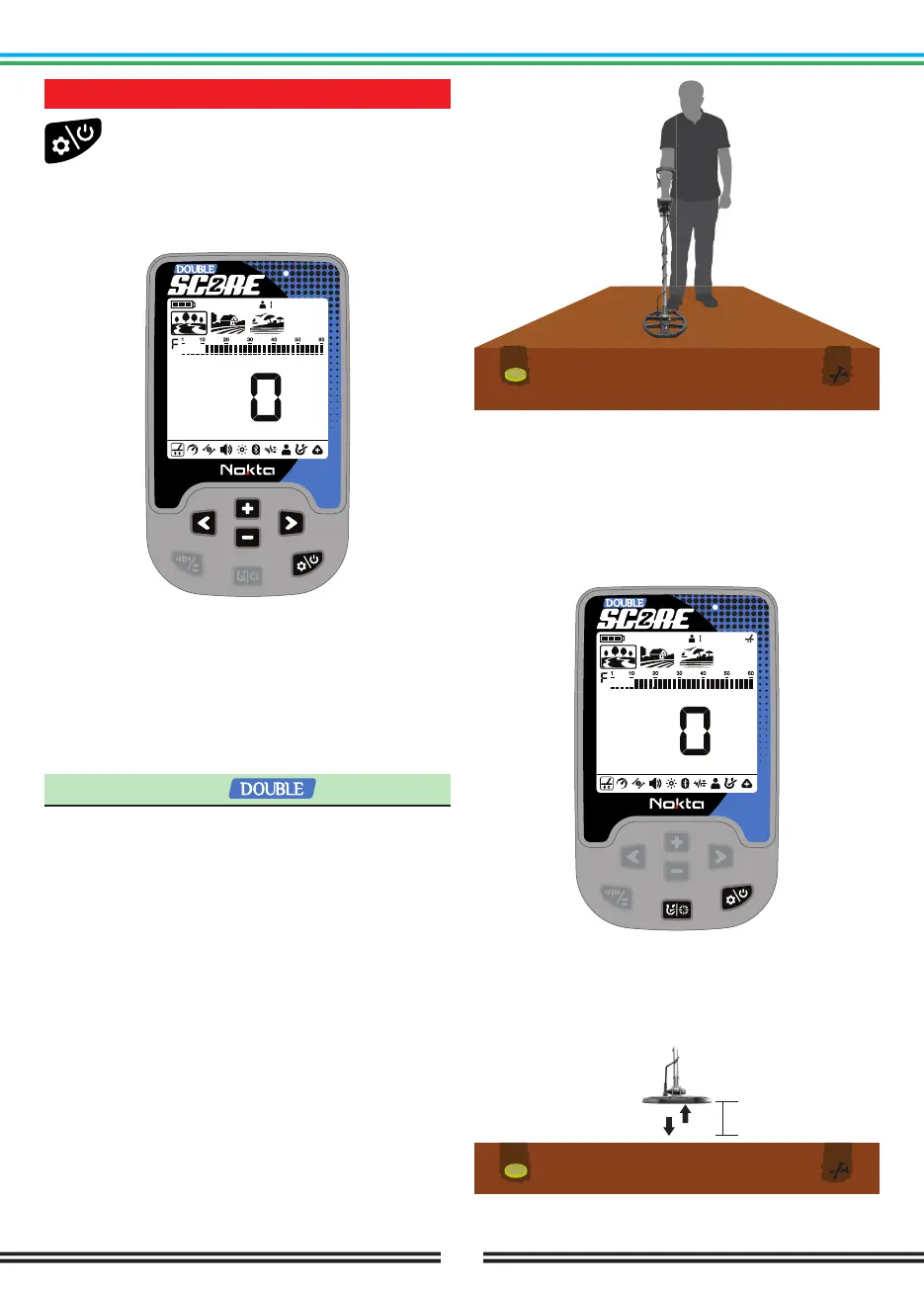
To enter the settings menu, press the Power &
Settings Button once. Once the button is
pressed all the settings will be displayed at
the bottom of the screen. The selected setting will be
framed. For better visibility, it will flash and its value will
be displayed on screen.
You can navigate through the settings using the Right
& Left Buttons.
You can adjust the value of a setting using the Plus (+)
& Minus (-) Buttons.
Press the Power & Settings Button once to exit the
settings menu.
1. Ground Balance
DOUBLE SCORE is designed to work without ground
balancing on most terrains. However, for experienced
users and on highly mineralized grounds, ground
balancing will bring extra depth and stability to the
device.
Ground balance can be performed in 2 ways with
DOUBLE SCORE: Automatic and Manual.
Ground balance only affects the mode currently
selected; changes made in one mode do not affect the
others.
The device ground balances between 0-20 in the Beach
mode and within the range of 0-99 in all other modes.
Automatic Ground Balance
Automatic ground balance is performed as follows in all
search modes:
1. Find a spot where there is no metal.
2. Press the Power & Settings Button to scroll to the
ground balance setting and press and hold the Pinpoint
& Discrimination Button. The ground balance icon will
start blinking in the info section at the top and the
ground balance value will be displayed in the middle of
the screen. If no ground balancing has been performed
before, this value will always be zero (0).
3. Start pumping the search coil up and down from
about 15-20 cm (~6’’- 8’’) above the ground down to
3 cm (~1’’) off the ground with smooth movements and
keeping it parallel to the ground.
15 - 20 cm
3 cm



 To Next Page