100
Troubleshooting
This section describes some common problems that you may experience when using the projector.
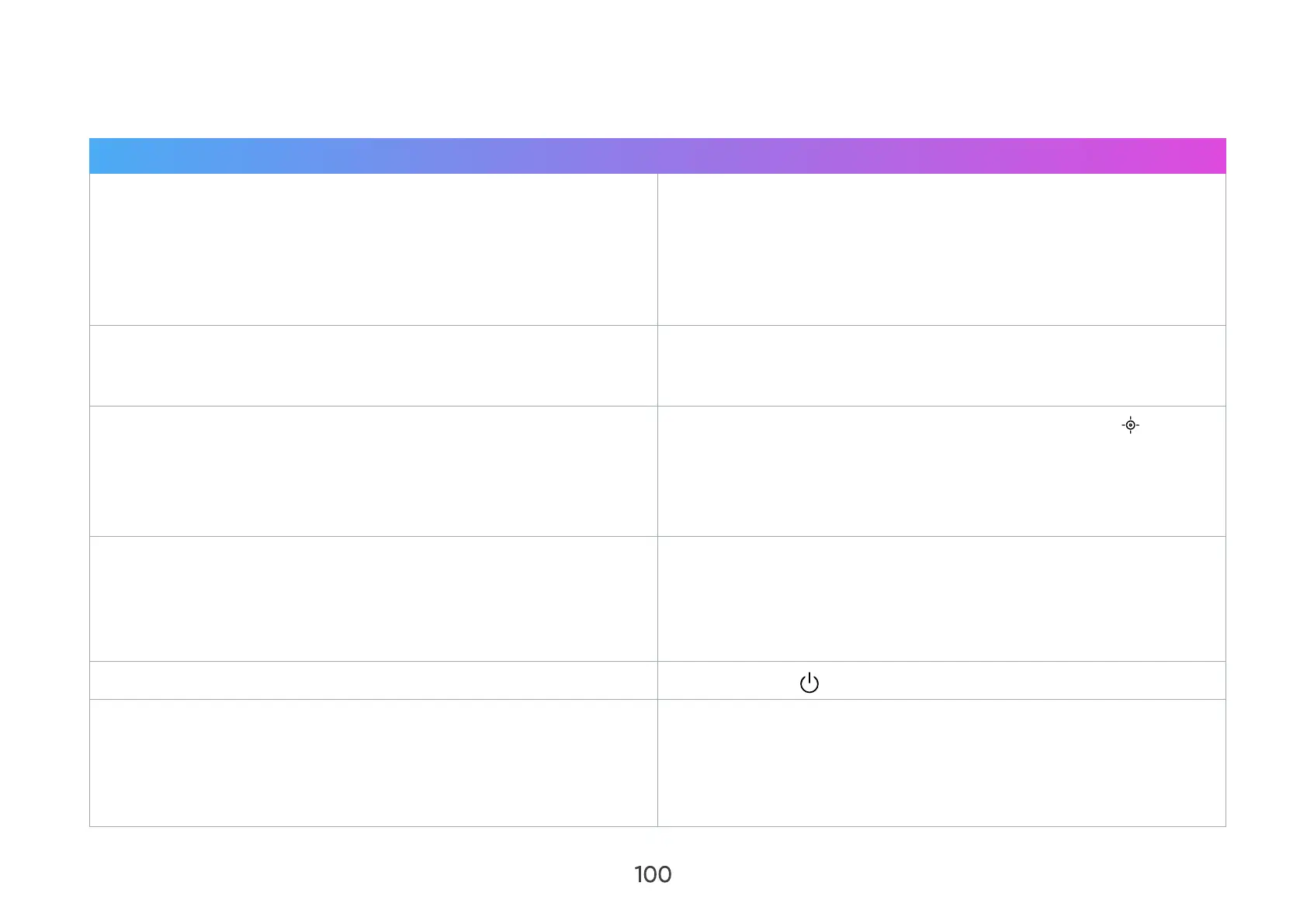
Problem or Issue Possible Solutions
The projector does not turn on
• Ensure the power cord is properly attached to the projector
and to the power outlet.
• If the cooling process has not completed, please wait until it
has nished then try to turn on the projector again.
• If the above does not work, try another power outlet or
another electrical device with the same power outlet.
There is no picture
• Ensure the video source cable is connected properly, and the
video source is turned on.
• Select the correct input signal from the Home Screen.
The image is blurred
• Improve the clarity of the image by pressing Focus on the
remote control.
• Ensure the projector and screen are aligned properly. If
necessary, adjust the height of the projector as well as the
projection angle and direction.
The remote control does not work
• Ensure there are no obstacles between the remote control
and projector; and that they are within 8 m (26 ft) of each
other.
• The batteries may be out of power. Please check and replace
if necessary.
The projector/system is frozen and will not respond
• Press Power to turn o and restart the projector.
Bluetooth or WiFi connection fails
• Resets Wi-Fi mobile & Bluetooth congurations in the Settings
> Advanced Settings > Reset Settings menu when the input
source is SMART SYSTEM.
• Turn o the WiFi function and then turn on again in the
Settings > Network Settings > WiFi menu.



 To Next Page