30
Custom SSID
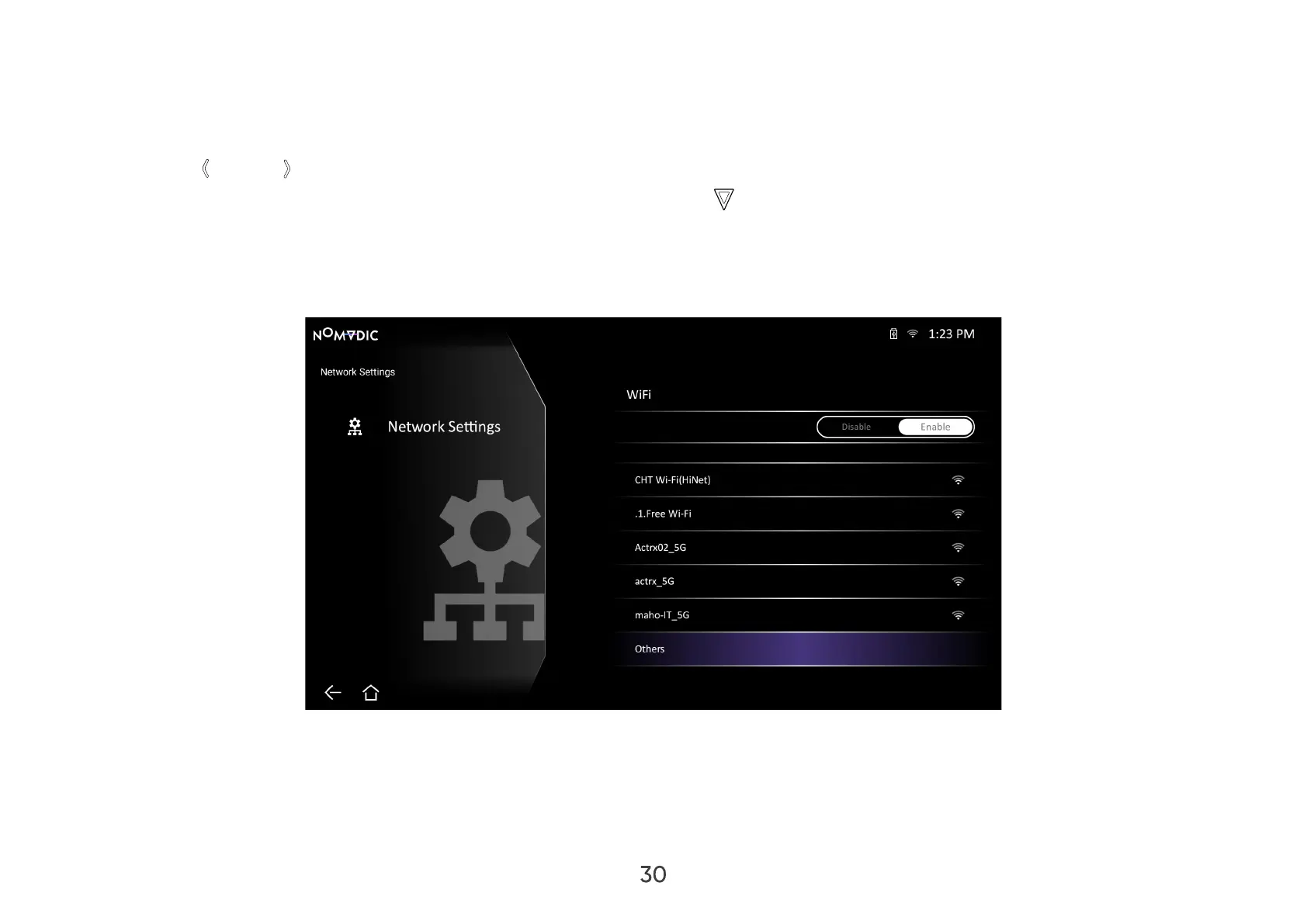
To manually connect to a Wi-Fi network:
1. Go to: Home > Settings > Network Settings > Wi-Fi.
2. Press Left / Right on the remote control to select Enable.
3. From the available Wi-Fi networks list select Others and press OK on the remote control.
4. Enter the SSID and select the security level.
5. Enter the password when prompted.
NOTE: It is recommended to let the system congure the network settings automatically by choosing Automatic for Congure IP.



 To Next Page