69
Using the Projector System On-Screen Display (OSD) Menu
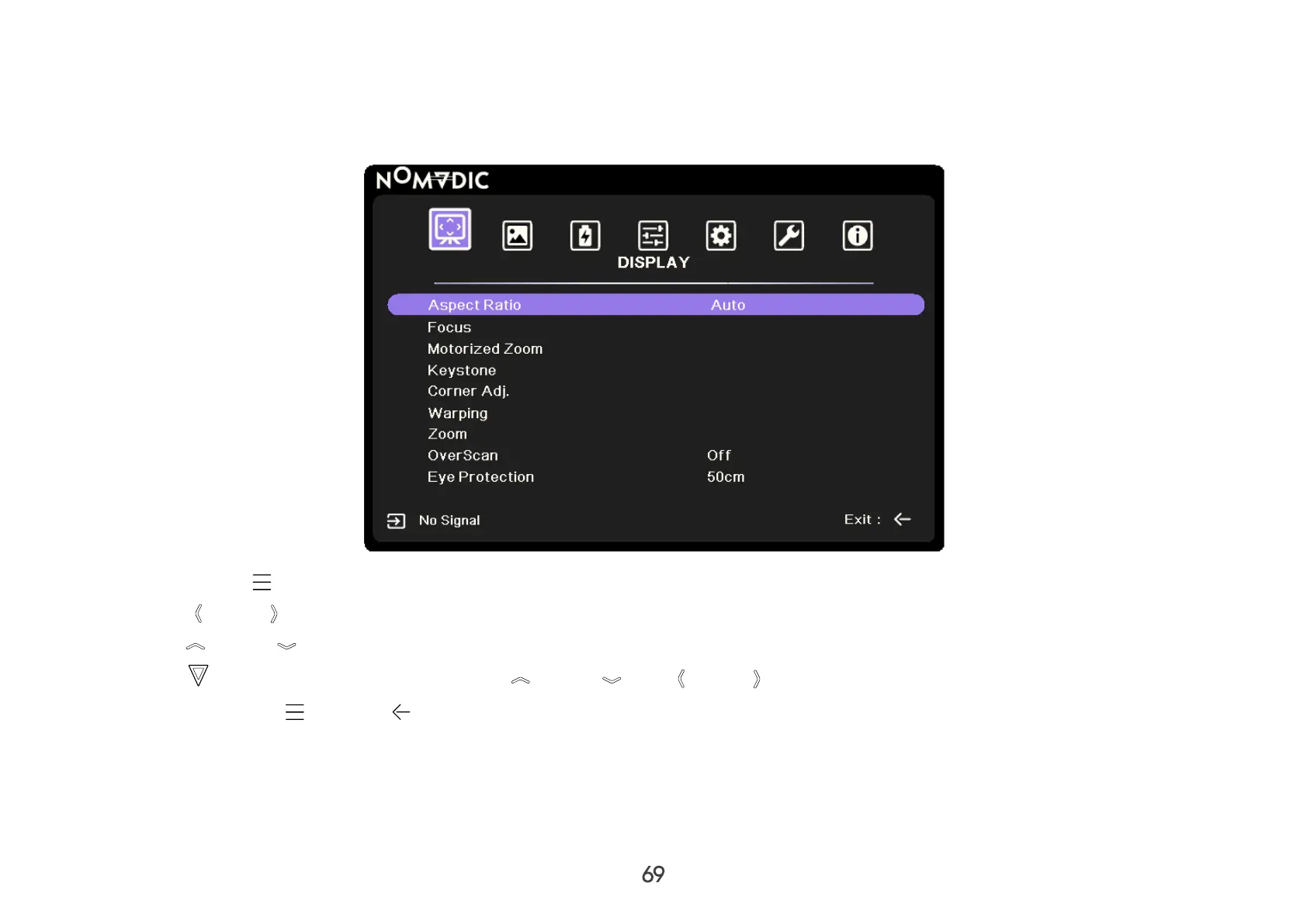
The projector is equipped with an On-Screen Display (OSD) Menu system for making various adjustments. It can be accessed
by following the steps below.
1. Press OSD Menu on the remote control.
2. Press Left / Right on the remote control to select a main menu.
3. Press Up / Down on the remote control to select a sub-menu.
4. Press OK to enter the sub-menu and use Up / Down / Left / Right to adjust/select the settings.
5. Press the OSD Menu or Return button on the remote control to go to the previous menu or exit.



 To Next Page