28
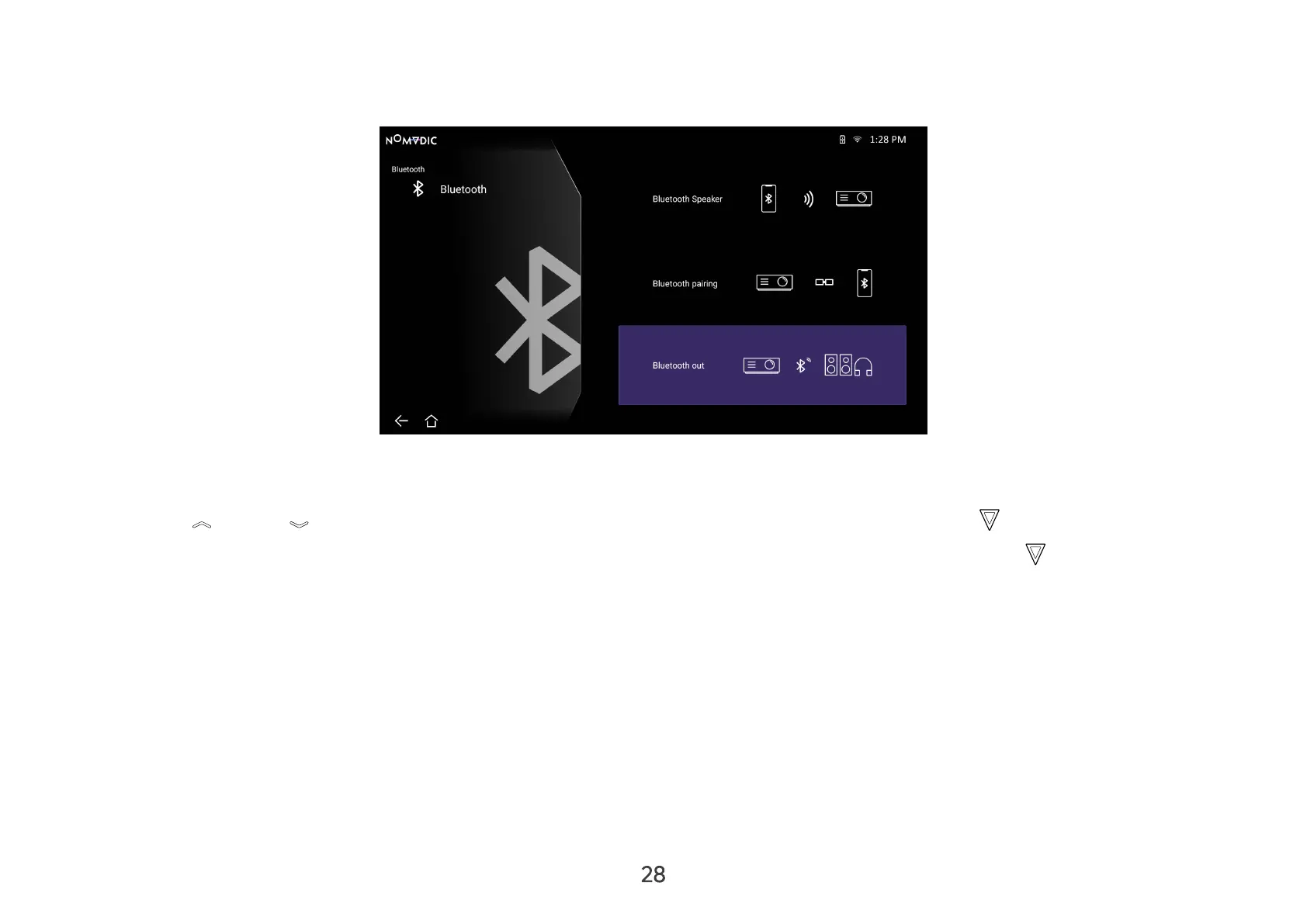
Bluetooth Out
Connect the projector to external headphones or speakers that support Bluetooth.
To connect and pair your device:
1. Go to: Home > Bluetooth.
2. Press Up / Down on the remote control to select the Bluetooth Out option. Then press OK .
3. The projector will search for nearby Bluetooth devices. Select your device from the list and press OK on the remote
control.
NOTE:
• Bluetooth Out cannot work with Bluetooth Speaker or Bluetooth Pairing at the same time.
• The Bluetooth Out function is only available when the input source is Smart System. It is not available for the HDMI/USB C source.
• When the input source is HDMI/USB C, remember to turn o the connected bluetooth device to avoid listening to two sounds at
the same time.



 To Next Page