68
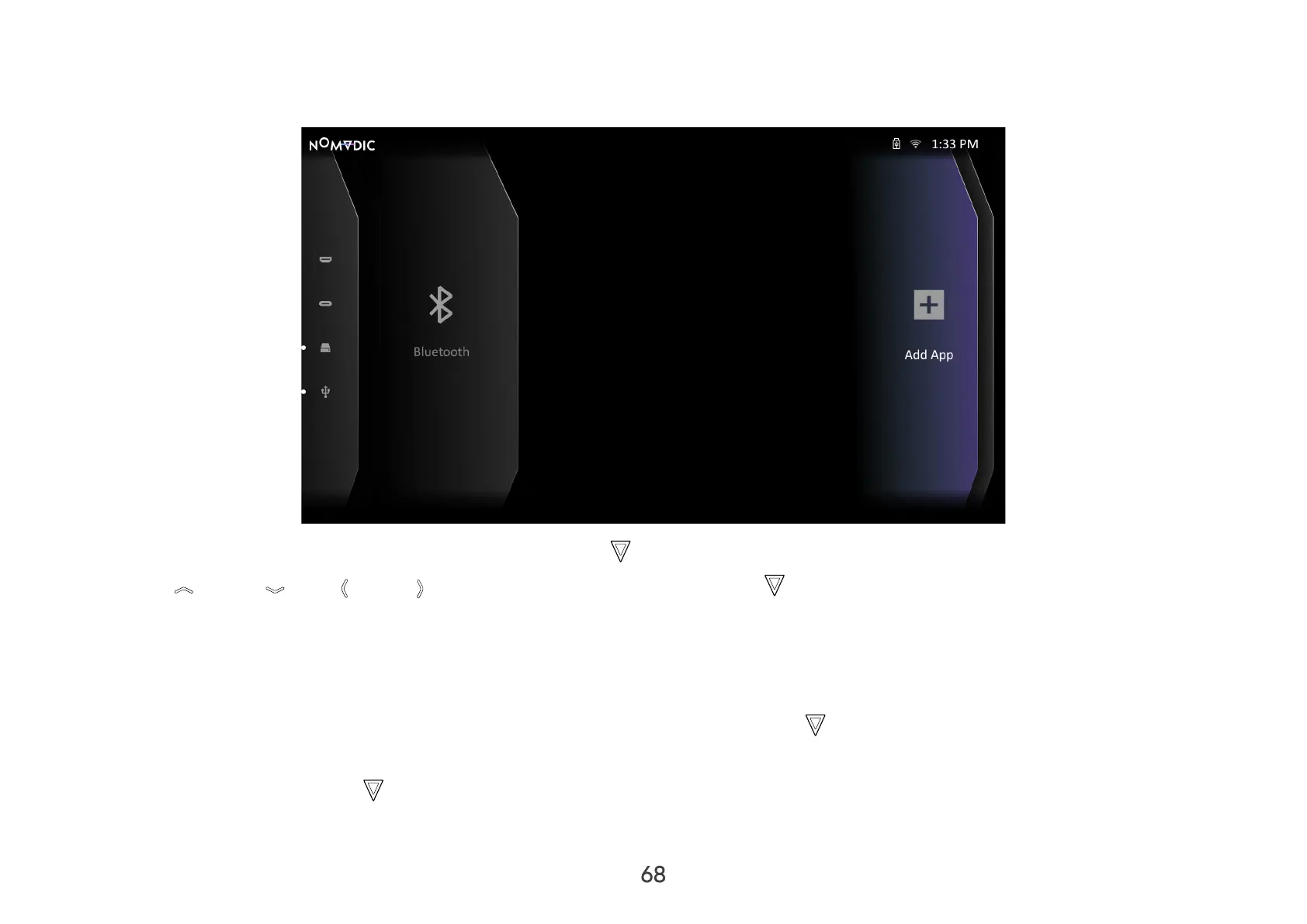
Add App
Add your favorite Apps to the Home Screen.
1. From the Home Screen, select Add App and then press OK on the remote control.
2. Use Up / Down / Left / Right to select the desired App and press OK .
3. Now your favorite App will appear on the Home Screen.
NOTE: Only four (4) Apps can be added to the Home Screen.
Delete Apps from the Home Screen
1. From the Home Screen, select the App you want to delete and press and hold OK for three (3) seconds.
2. The message “Do you want to Delete this application from My Favorites?” will appear.
3. Select Conrm, and press OK to delete the App.



 To Next Page