37
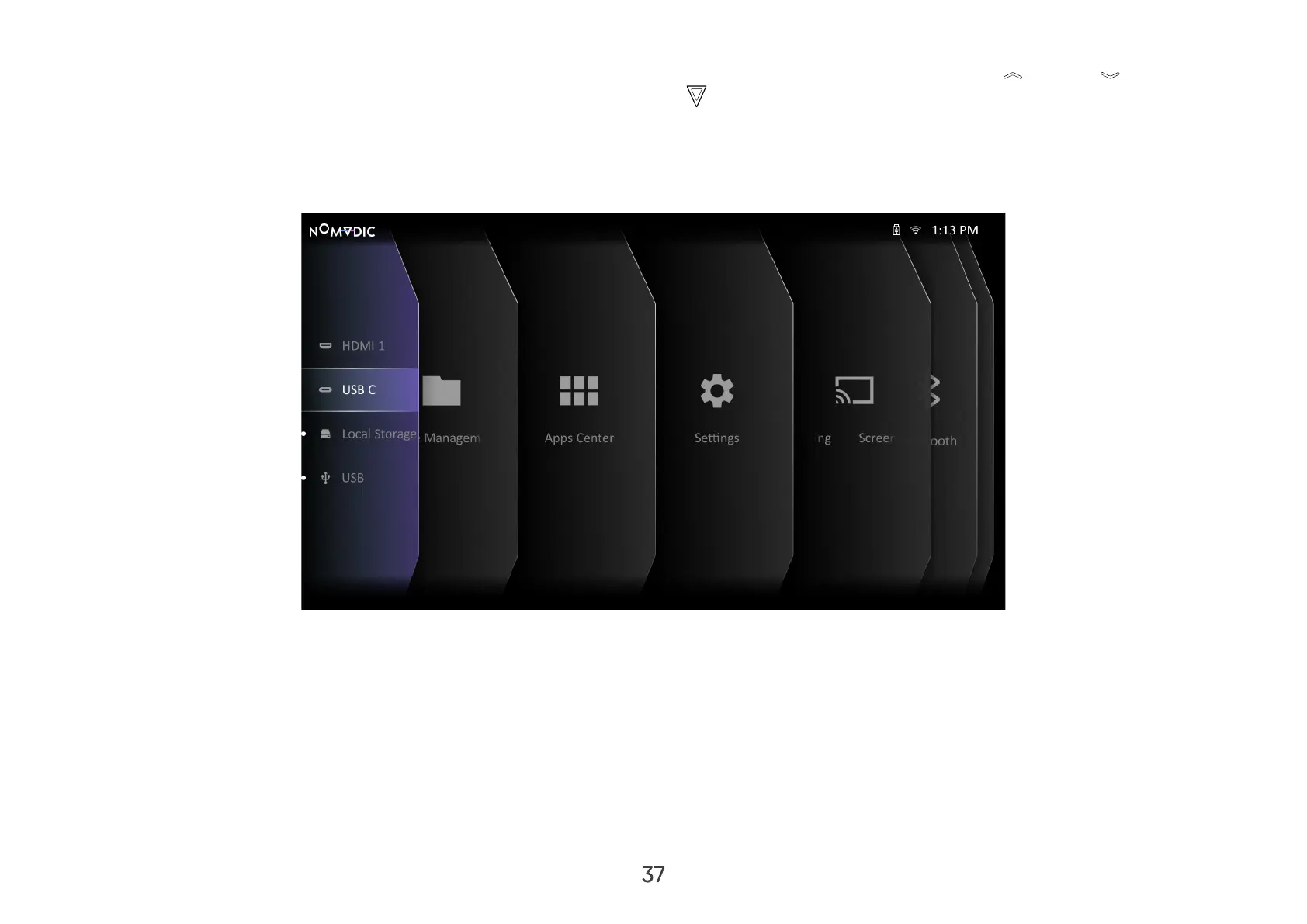
The projector will automatically search for input sources. If multiple sources are connected, press Up / Down on the
remote control until the source input tab is selected and press OK .
NOTE:
• Ensure the connected sources are also turned on.
• If the selected input source is not available, the message, ‘No Signal’ will appear.



 To Next Page