48
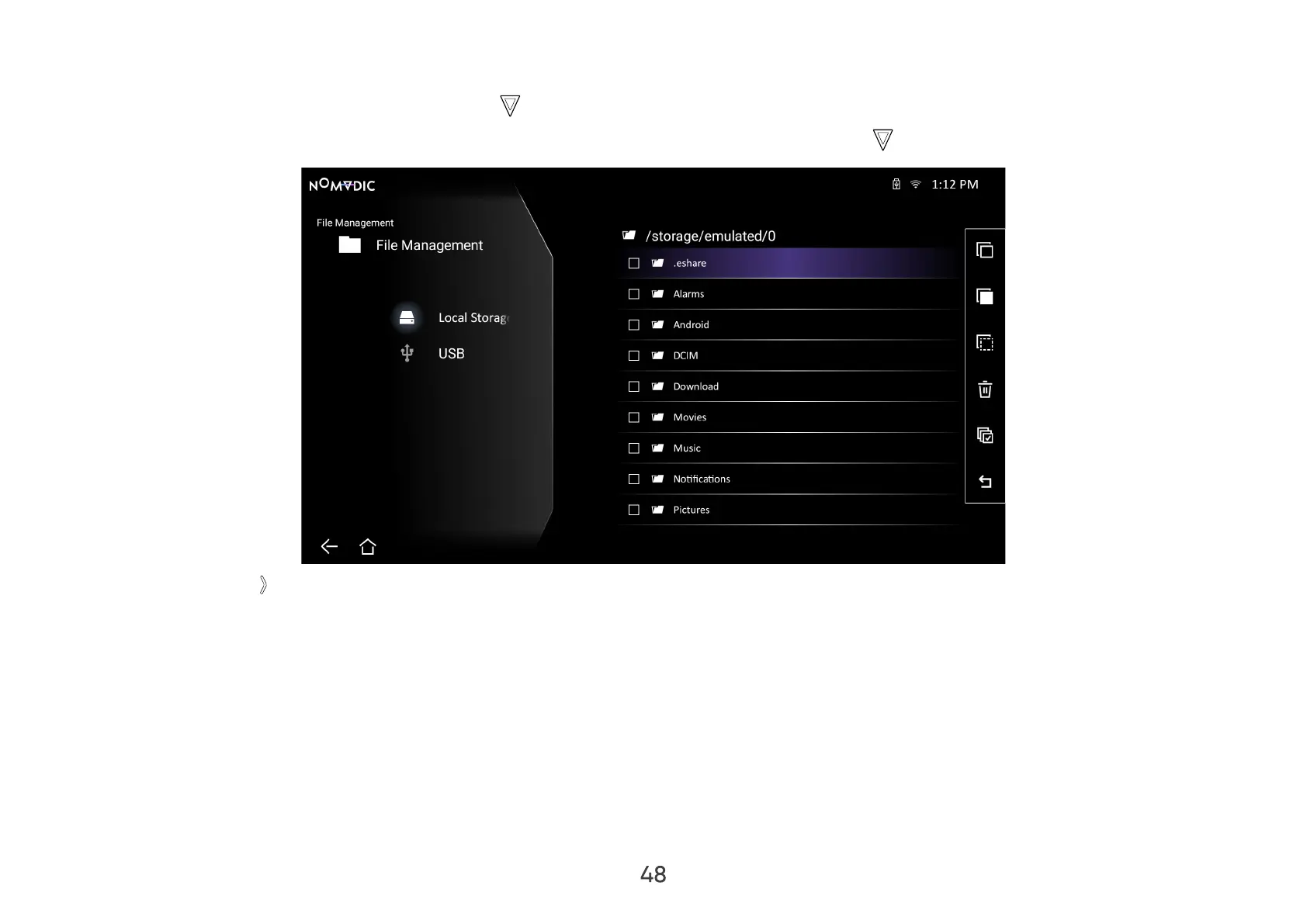
How to Edit a File
1. While in File Management, press and hold OK on the remote control for three (3) seconds.
2. A check box will appear at the front of each le. Use the directional buttons and press OK to select one or more les.
3. By pressing Right , Copy, Paste, Cut, Delete, Select All, and Return boxes will be available for use.



 To Next Page