50
How to Use Control Bar Buttons
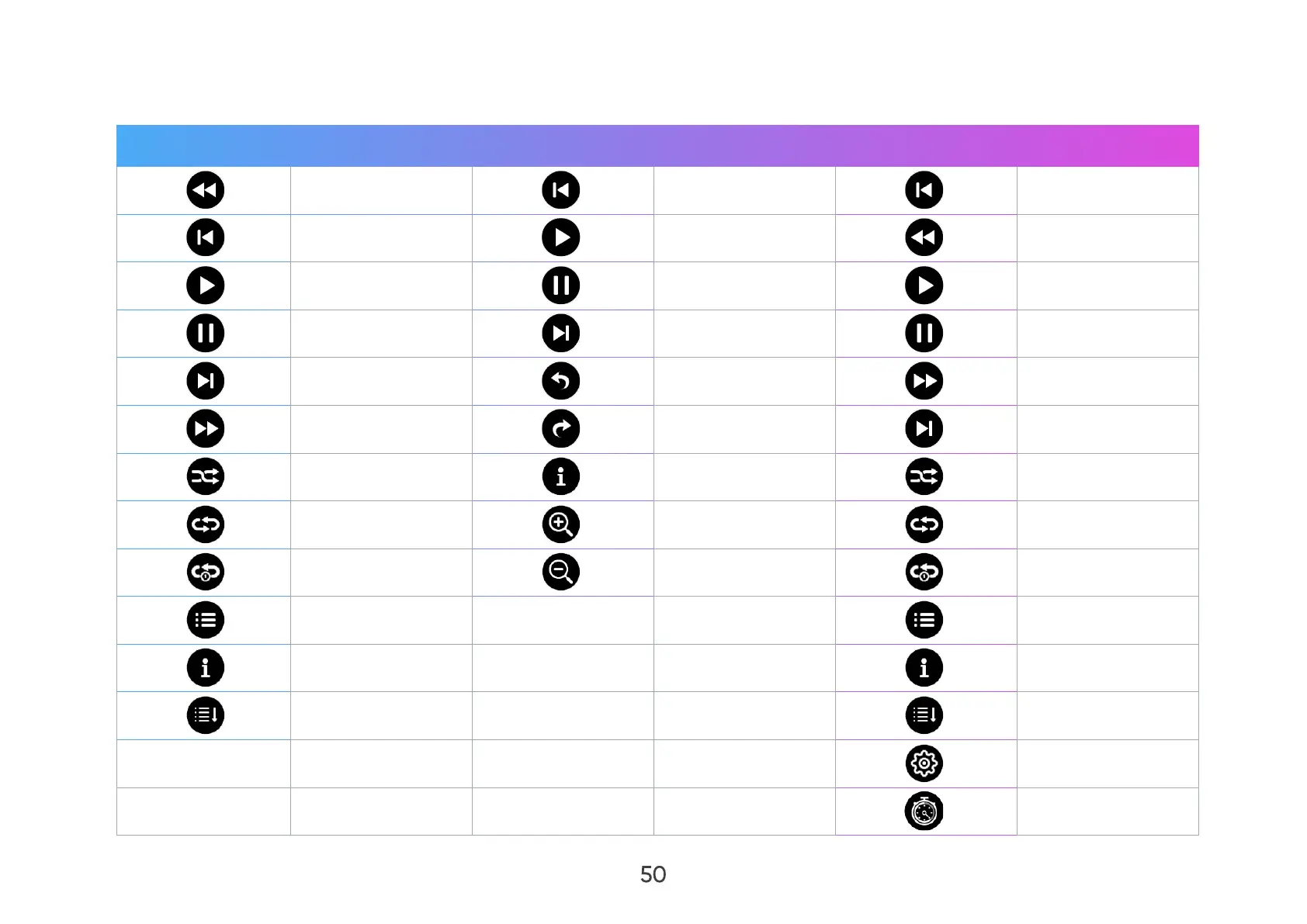
The control bar buttons will appear on screen if a video, music, or photo le is opened.
Audio Picture Video
Reverse Previous Previous
Previous Play Reverse
Play Pause Play
Pause Next Pause
Next Rotate (Left) Forward
Forward Rotate (Right) Next
Shue Information Shue
Repeat All Zoom in Repeat All
Repeat Once Zoom out Repeat Once
Playlist Playlist
Information Information
Linear Play Linear Play
Play Settings
Broadcast Time



 To Next Page