55
NOTE:
• Press Home on the remote control to return to the Home Screen at anytime.
• Users can install third-party Apps by .apk le in File Management. However, some third-party Apps may have compatibility
issues.
• Some Apps may require a keyboard and mouse.
To Uninstall Apps
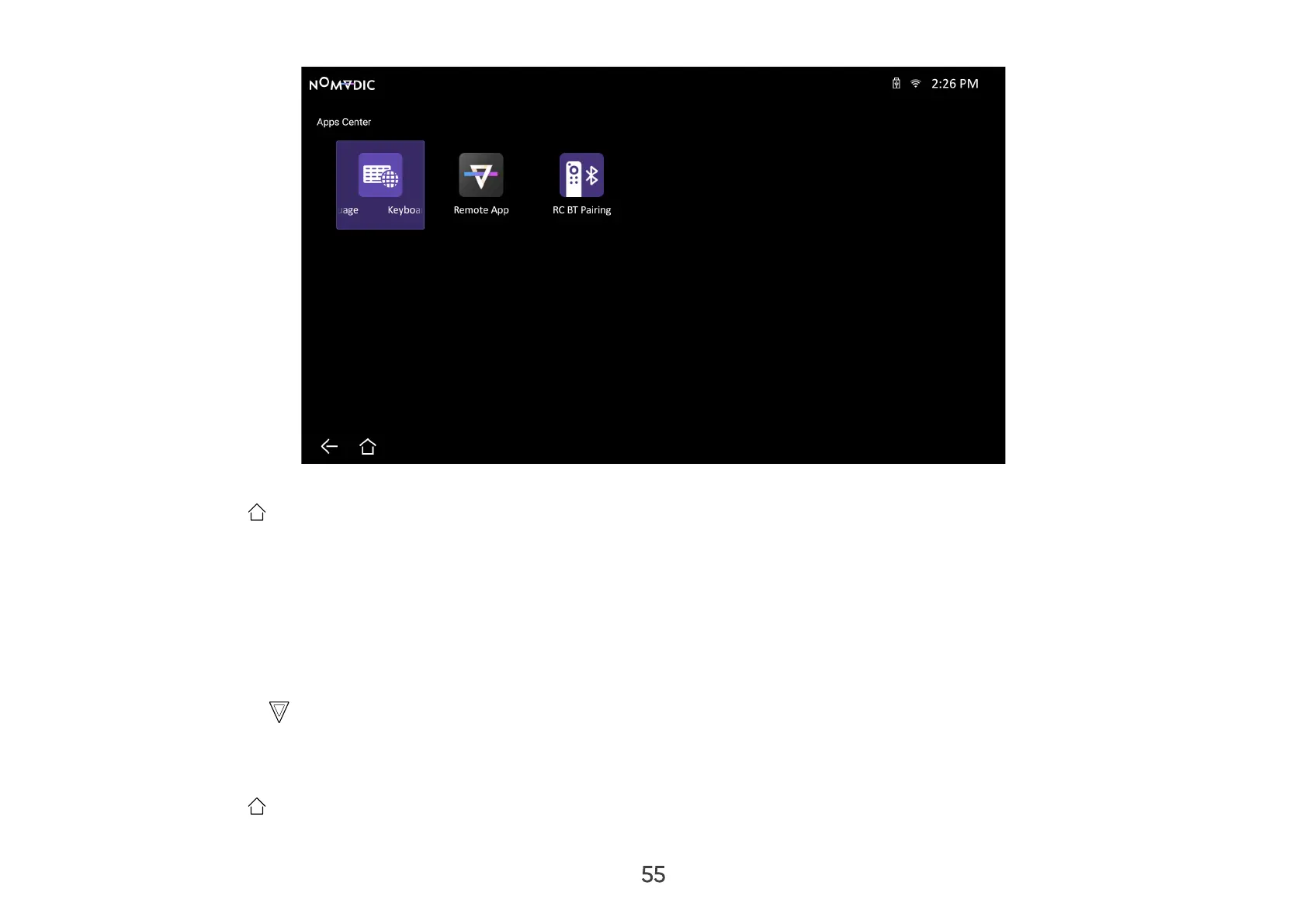
1. Open the AppsCenter by selecting: Home > AppsCenter.
2. Use the directional buttons to select the desired App.
3. Press and hold OK on the remote control for three (3) seconds.
4. Select OK to uninstall the App.
NOTE:
• Press Home on the remote control to return to the Home Screen at anytime.
• Pre-installed Apps can not be uninstalled.



 To Next Page