81
Menu Description
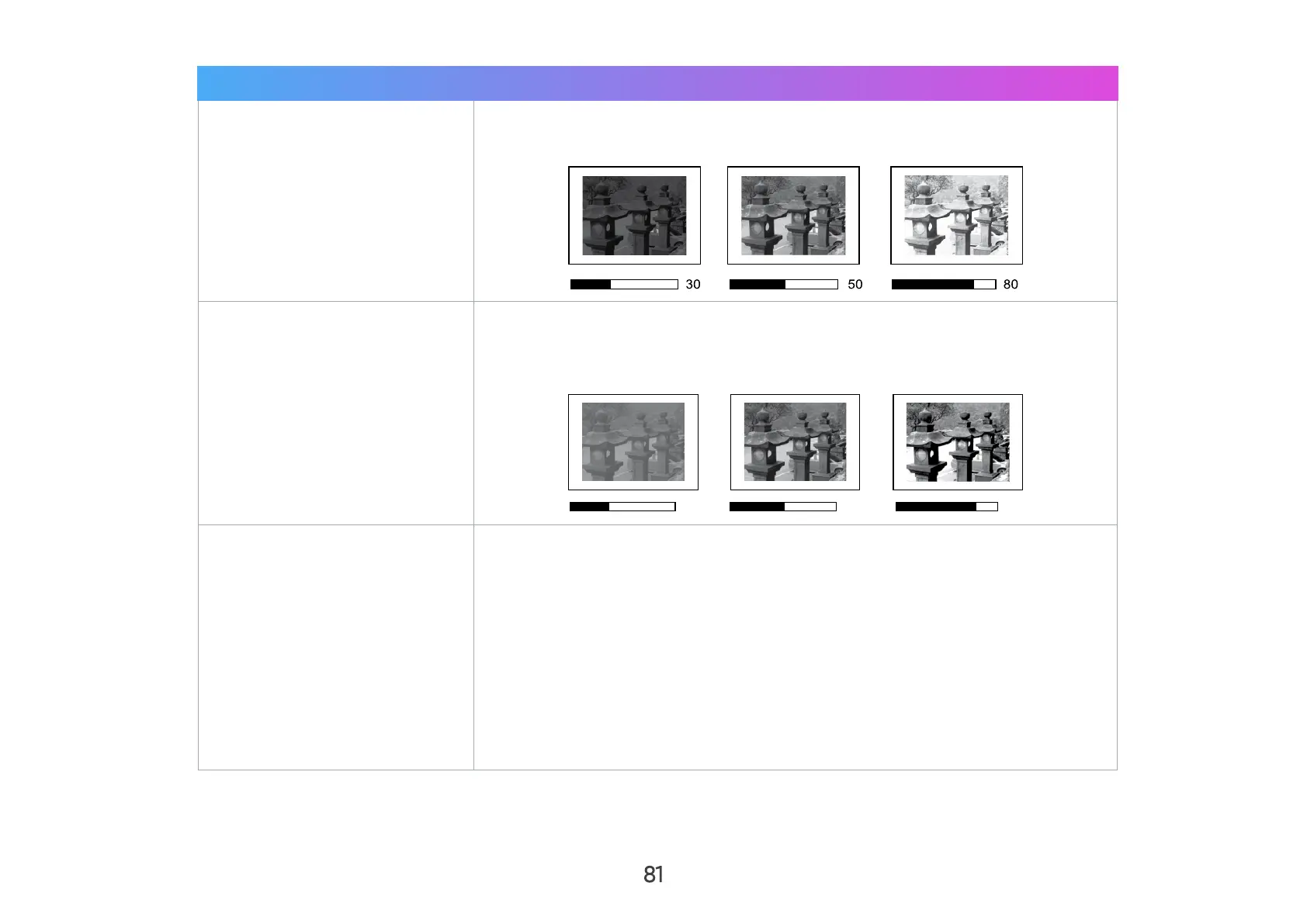
Brightness
The higher the value, the brighter the image. Lower values will result in a
darker image.
Contrast
Use this to set the peak white level after you have previously adjusted
the Brightness setting to suit your selected input and viewing
environment.
0
Color Temp.
There are several preset color temperature settings (9300K, 7500K,
6500K) available. The available settings may vary according to the
personal preferences.
To set a custom color temperature, you can further adjust the following
items:
• Red Gain/Blue Gain/Green Gain
Adjusts the Contrast levels of Red, Green, and Blue.
• Red Oset/Green Oset/Blue Oset
Adjusts the Brightness levels of Red, Green, and Blue.



 To Next Page