10
4.1.6
Boom does not appear to be sufficiently level after System Setup
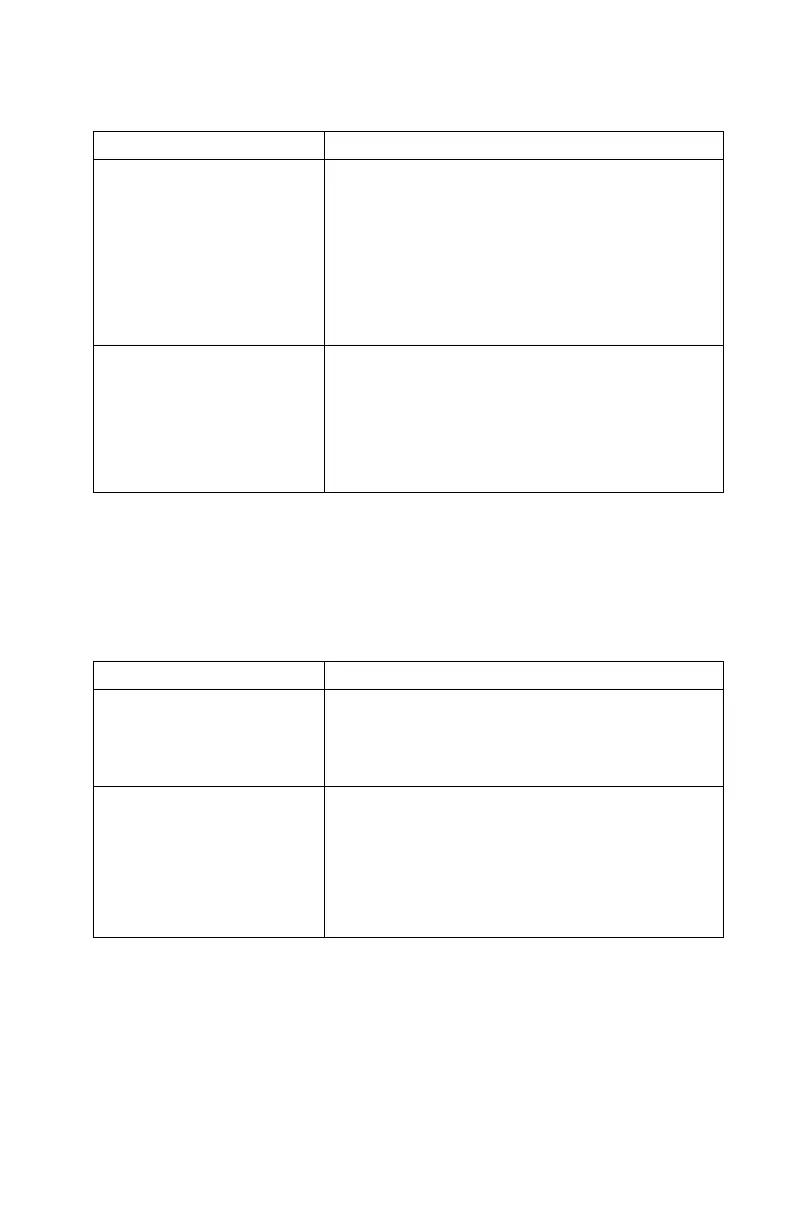
Possible Cause(s) Suggested Solution(s)
a) Sensitivity (Sensi)
setting is low
a-1) Check the nozzle heights on LCD screen in
MANUAL mode
a-2) If the displayed heights differ from the
target heights (setpoints), check Sensi
setting and adjust it, if necessary.
NOTE: The default tolerate distance between the
actual nozzle heights and the target heights is
±2.5" at Sensi setting of 5.
b) Improper System
Setup
b-1) Repeat the Automatic System Setup
(Section 8.2 of the UC4 Technical Manual)
b-2) Confirm sensor height readings manually
by referring to “Calibrating the Sensor’s
Height Reading (Zero Height)” in the UC4
Technical Manual.
4.2 SENSOR RELATED ISSUES
4.2.1
Display stuck at “"Mot’n Dly" or "KP Stp 9"
Possible Cause(s) Suggested Solution(s)
a) Sensor is too close to
the boom
a) Move the sensor to a better location. It
should be 9” of front of and 9” above the
spray nozzle. The sensor requires a 12”
diameter clear view of the ground
b) The target is too weak
b) Move to a new location with either dirt or
gravel on the ground
c) Make sure there is no grass or other plants
under the sprayer boom
d) Verify the sensor is approximately parallel
to the ground



 To Next Page