23
5.2 OPERATIONAL ERROR MESSAGES
The following messages are non-critical messages that appear on the
LCD screen during operation
they usually require some simple adjustment or setting changes
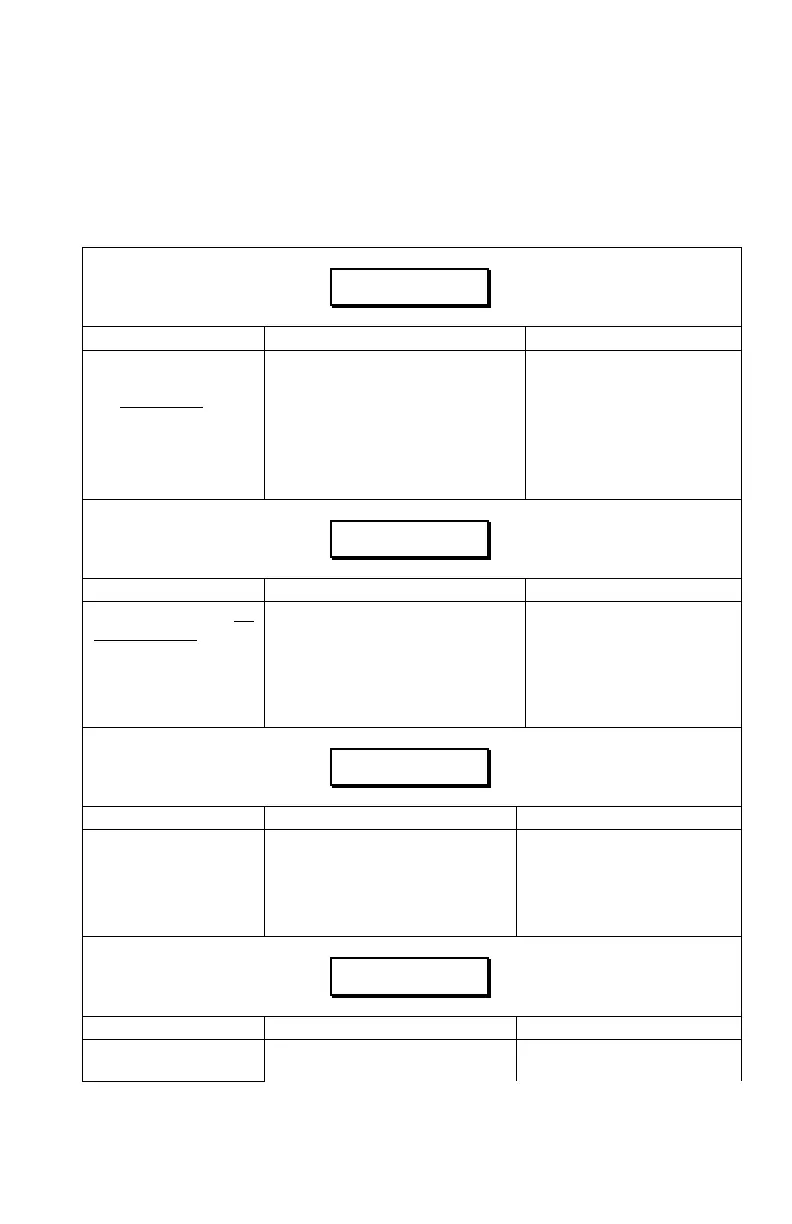
Table 3 – Operational System Error Messages
NR MA 35
Explanation Possible Causes Required Action
"NR" indicates the
sensor is communicating
but Not Reading
a valid
measurement.
a. Sensor is out of range or
reading a target closer than 7".
a. Follow 4.2.3 a).
b. Protective foam shield is
contaminated.
b. Follow 4.2.3 b).
c. Moisture in sensor. c. Follow 4.2.3 d-1), d-2).
d. Transducer is damaged or
contaminated.
d. Follow 4.2.3 e).
NC MA 35
Explanation Possible Causes Required Action
"NC" indicates No
Communication from
the sensor.
a. Serial number entered in
control panel does not match
connected sensor.
a. Follow 4.2.1 a).
b. Poor cable connection or
defective cable(s).
b. Follow 4.2.1 b).
c. Damaged sensor. c. Follow 4.2.1 c).
## MM 35
Explanation Possible Causes Required Action
"##" is displayed if the
sensor is reading a
height greater than 99
inches. It is commonly
mistaken as an error.
a. Boom section is too high. a. Follow 4.2.4 a).
b. Sensor Zero Height setting is
incorrect.
b. Follow 4.2.4 b).
c. Sensor is facing very strong
sonic targets (e.g. concrete).
c. Follow 4.2.4 c).
-# MM 35
Explanation Possible Causes Required Action
"-#" is displayed if the
sensor is reading a
a. Sensor Zero Height setting is
incorrect.
a. Follow 4.2.4 b).



 To Next Page